
Adding Leads Manually in Calley
How can you Add leads Manually in Calley?
Managing your leads effectively is key to maintaining a productive sales pipeline.
In Calley, you have the flexibility to add leads in bulk using Power Import, Google Sheet Import.
But what if you want to add just a few numbers to the same calling list.
That is where the functionality of adding leads Manually to an existing Calling List comes handy.
You can manually add leads in an exiting calling list or to a new empty list as per the business requirement.
Adding Leads Manually for Calley Pro Subscribers
In Calley Pro, you can manually add leads to a call list if the list contains fewer than 2,000 records. This feature helps solo users manage their leads efficiently without bulk imports.
Login to web panel, you will be redirected to Dashboard.
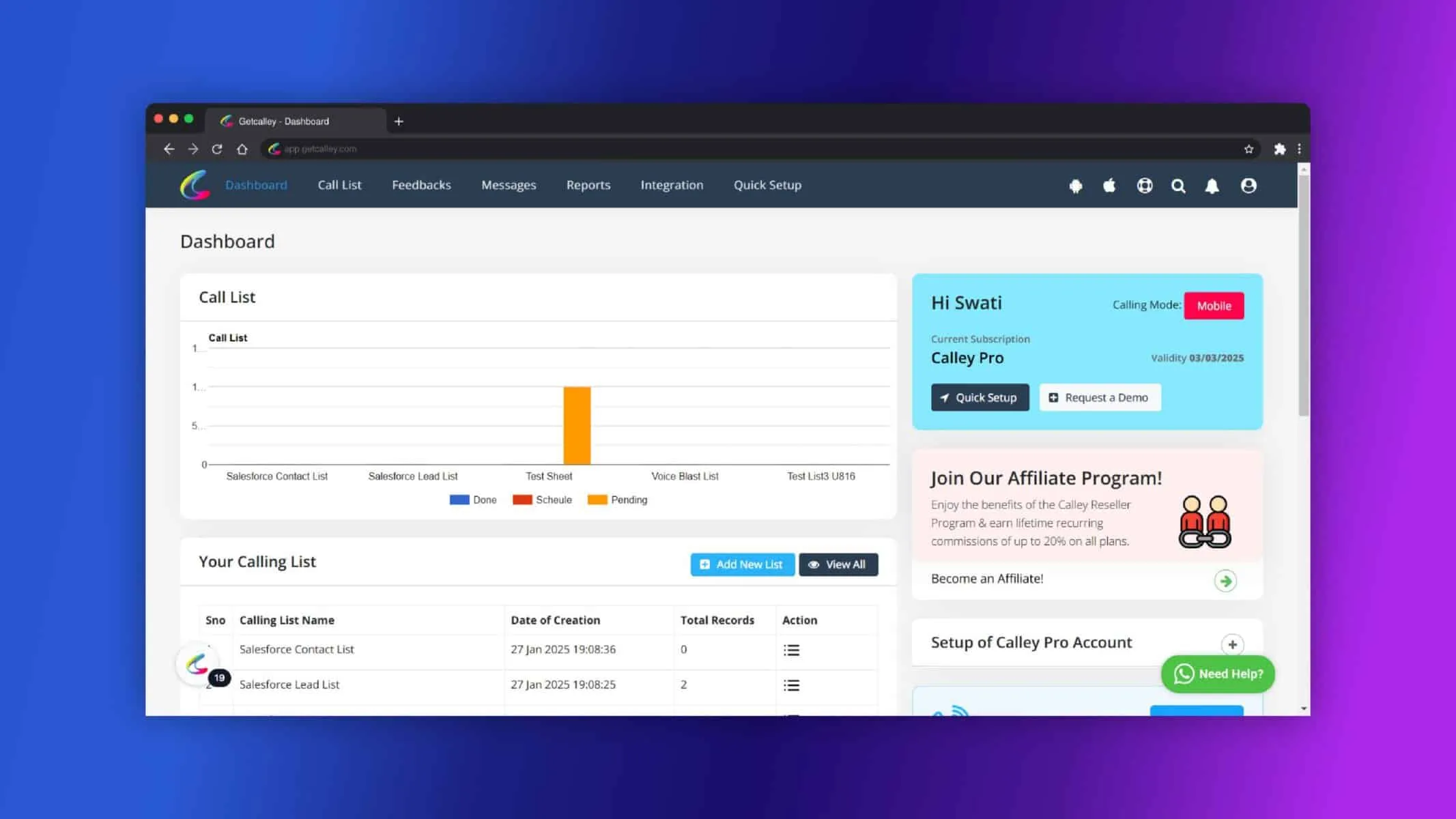
Navigate to Call List and Click on Manage Existing Lists.
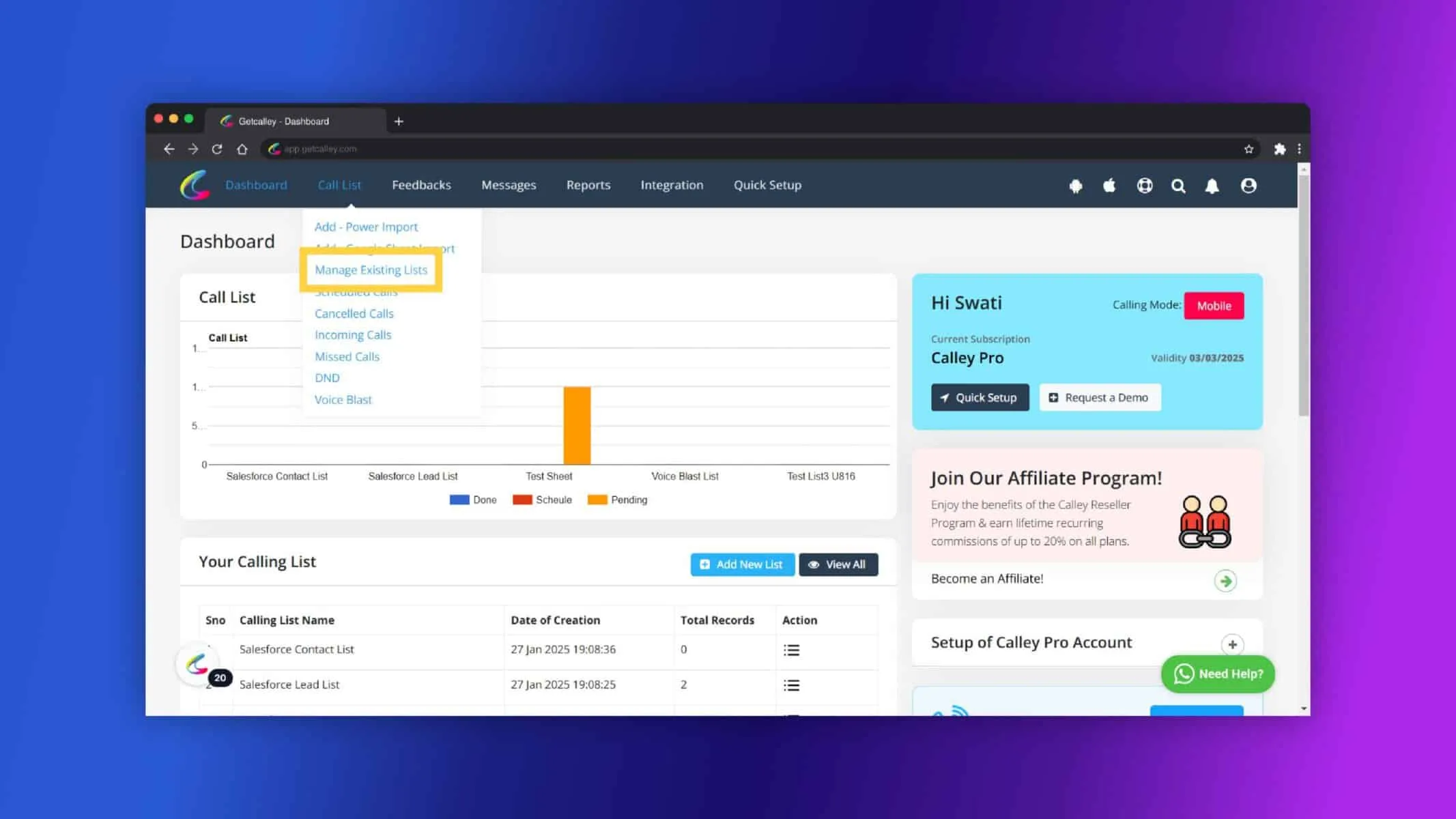
Select an existing list or create a new empty list.
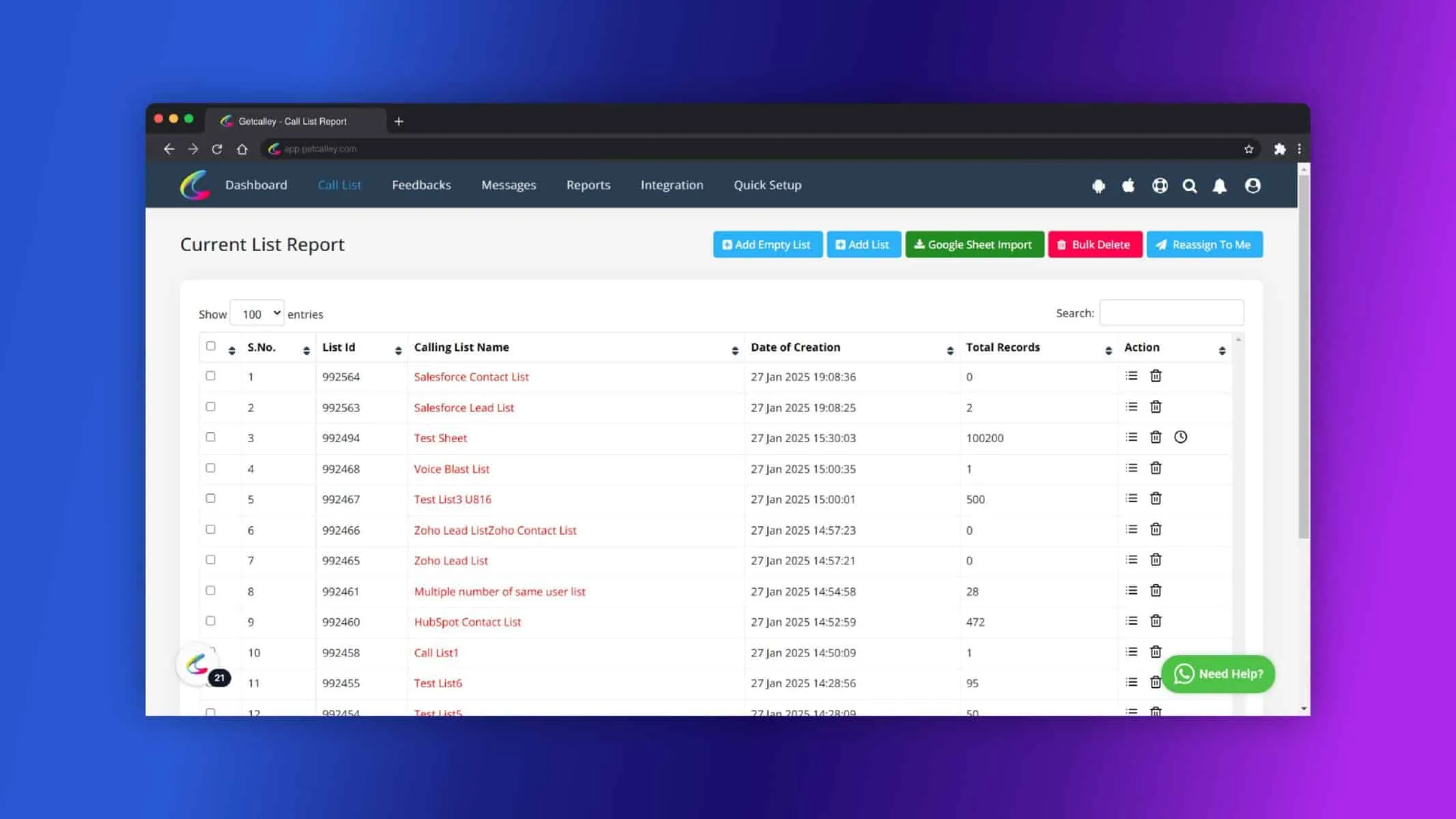
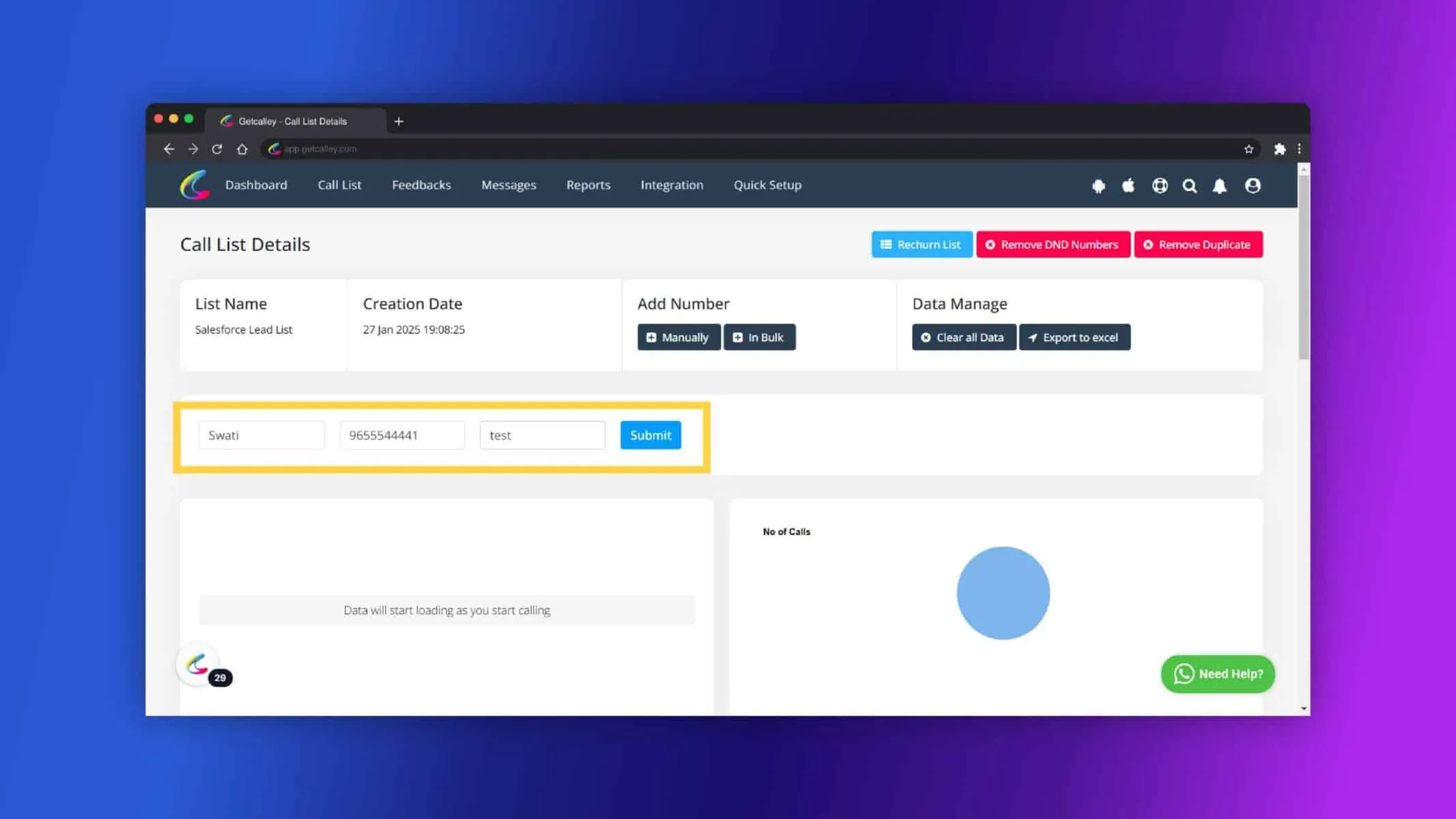
Click on the “Manually” button.
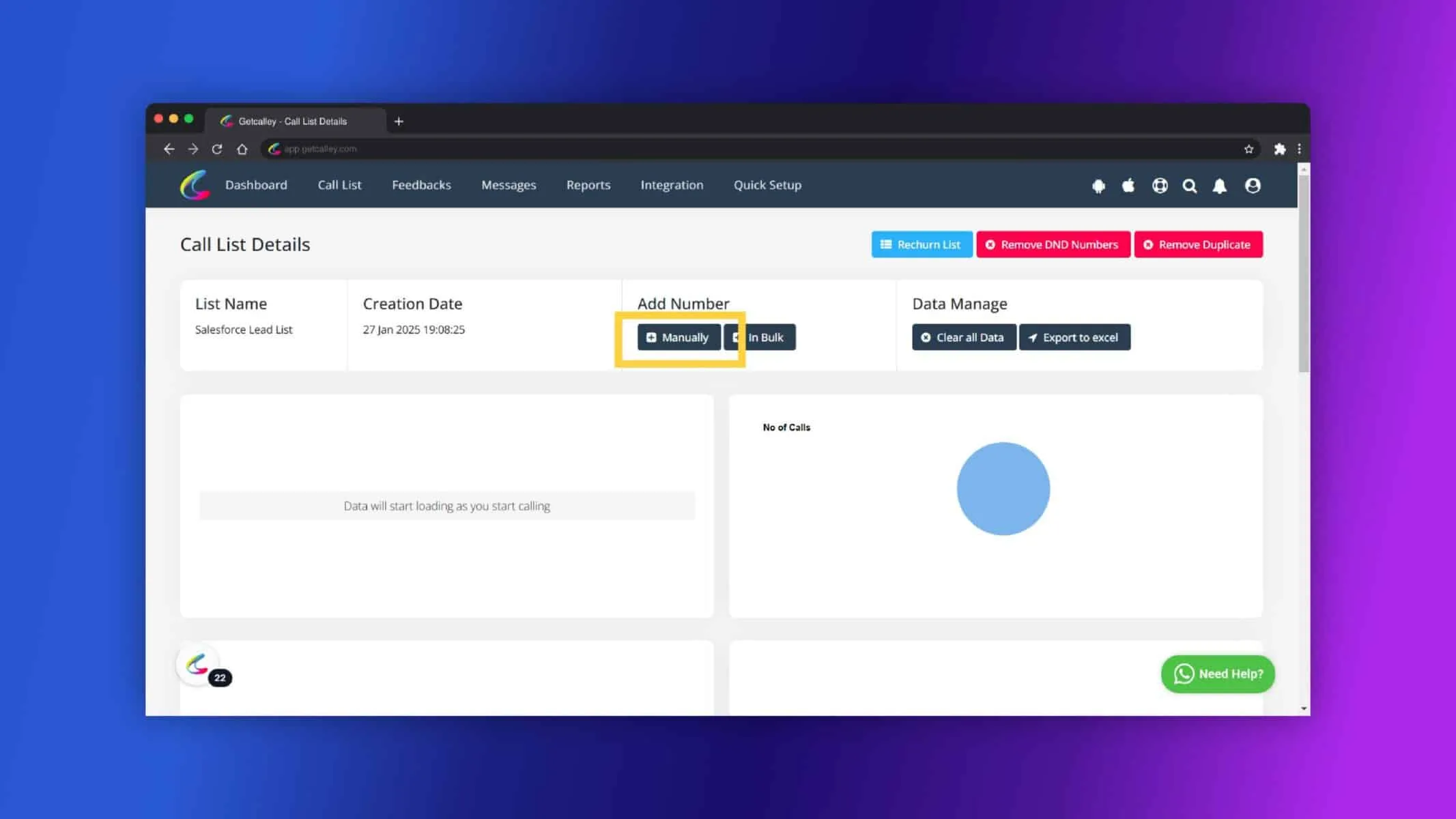
Fill in the lead details, such as Name, Phone Number, Email, and Click on Submit.
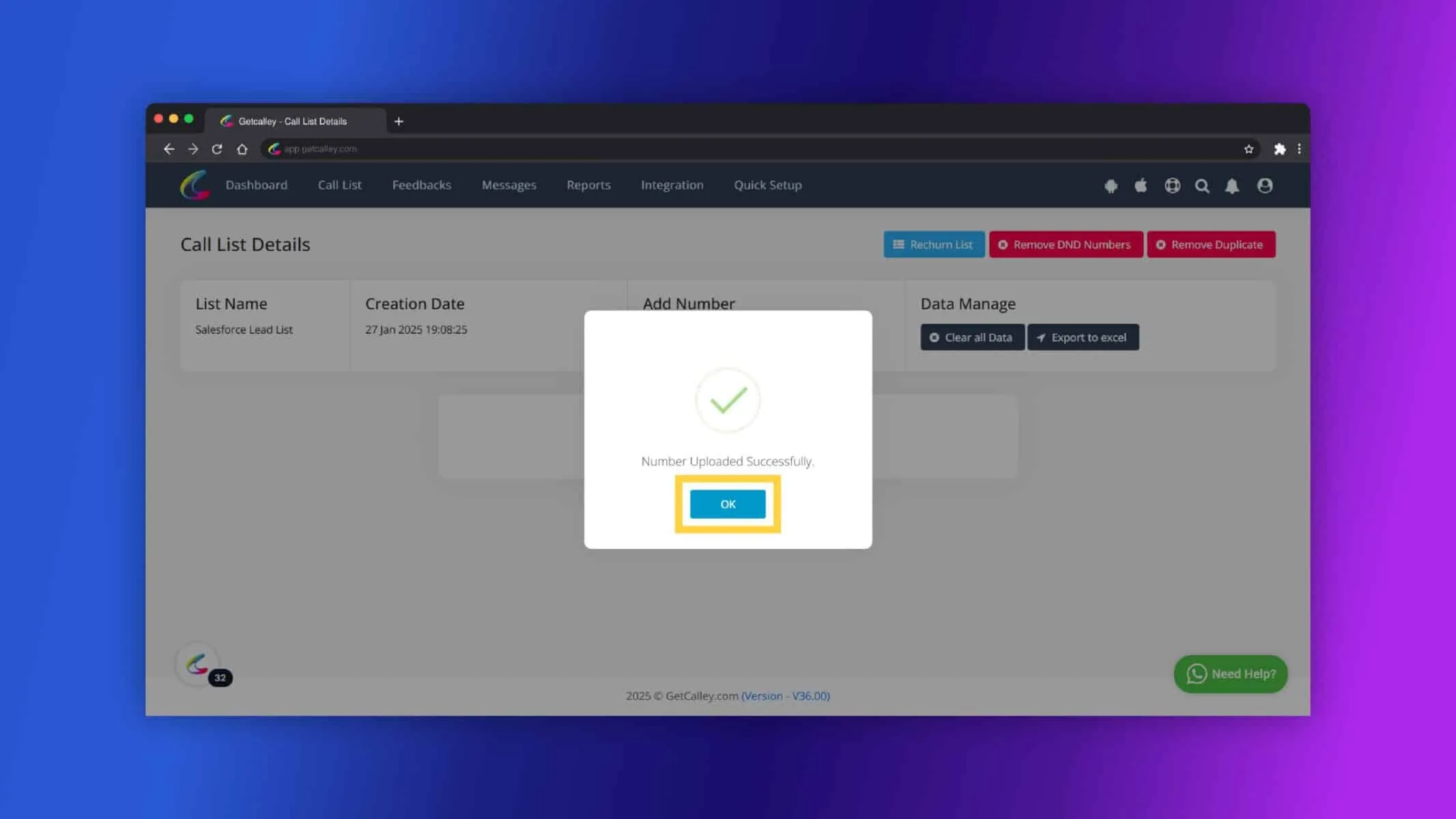
Click on OK.
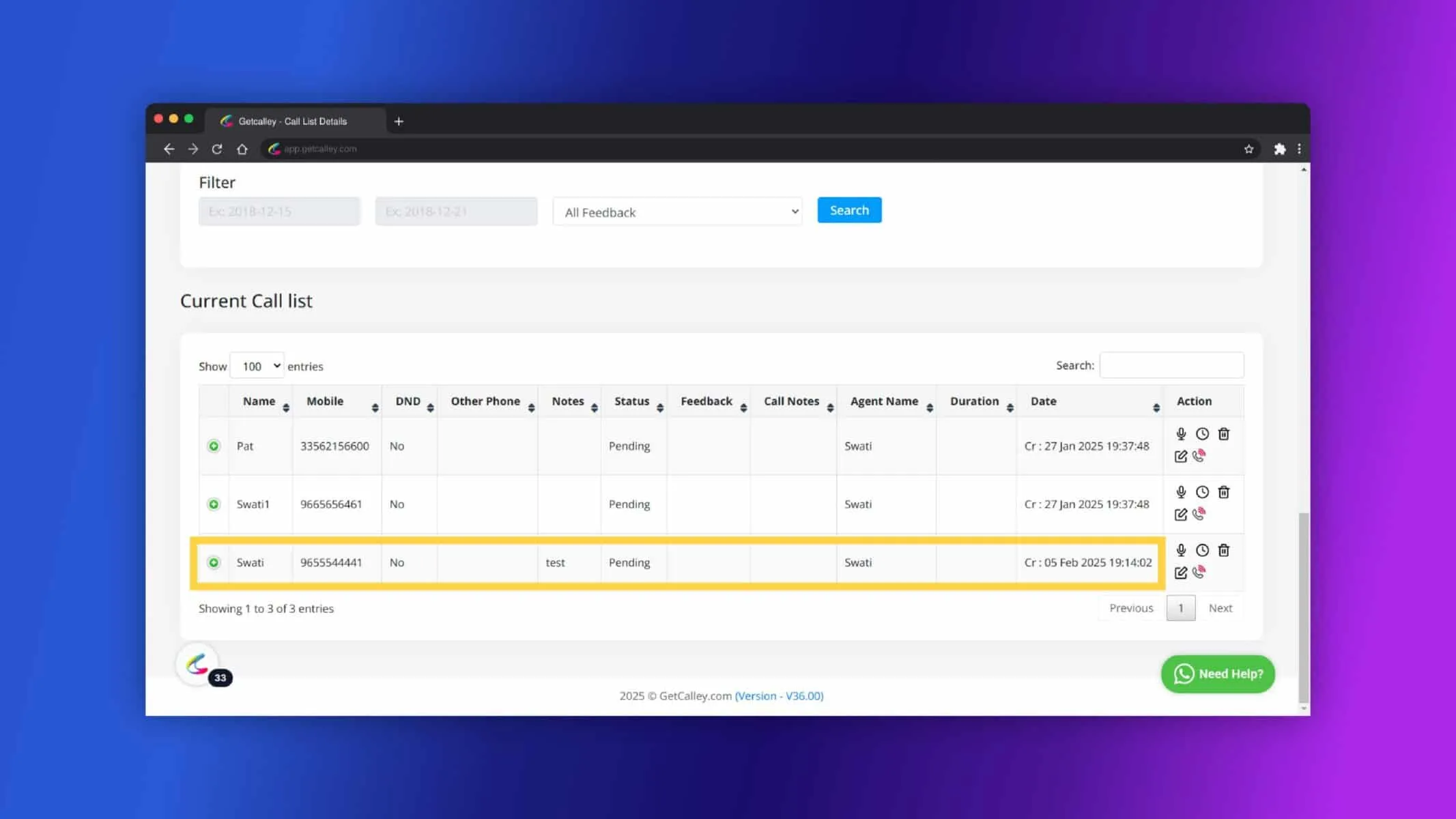
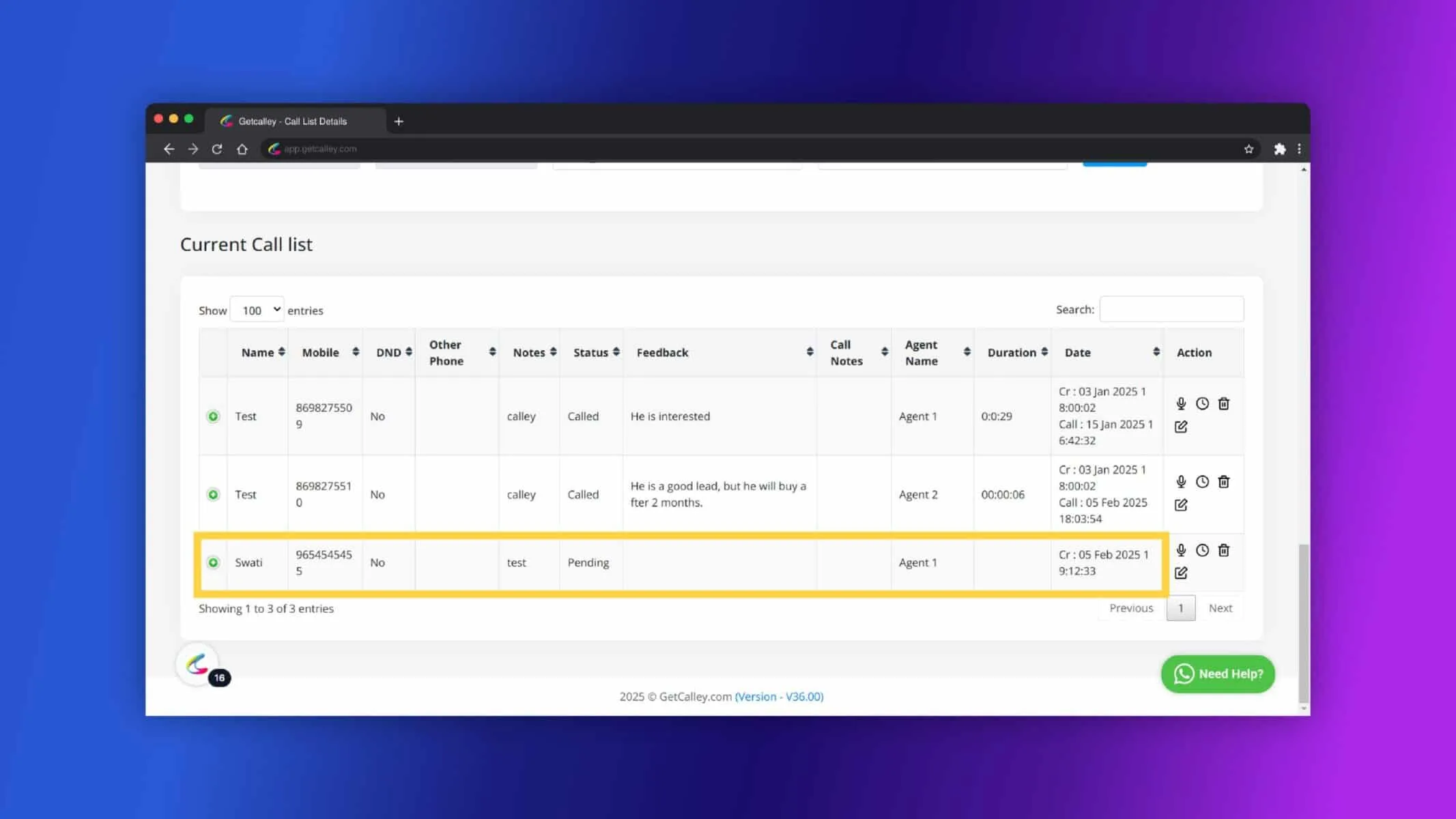
Now you can see the Lead added to your call list.
Adding Leads Manually for Calley Teams Subscribers
In Calley Teams, you can manually add leads to an existing list if the list contains fewer than 10,000 records. Additionally, you can assign leads to specific agents within your team.
Login to web panel, you will be redirected to Dashboard.
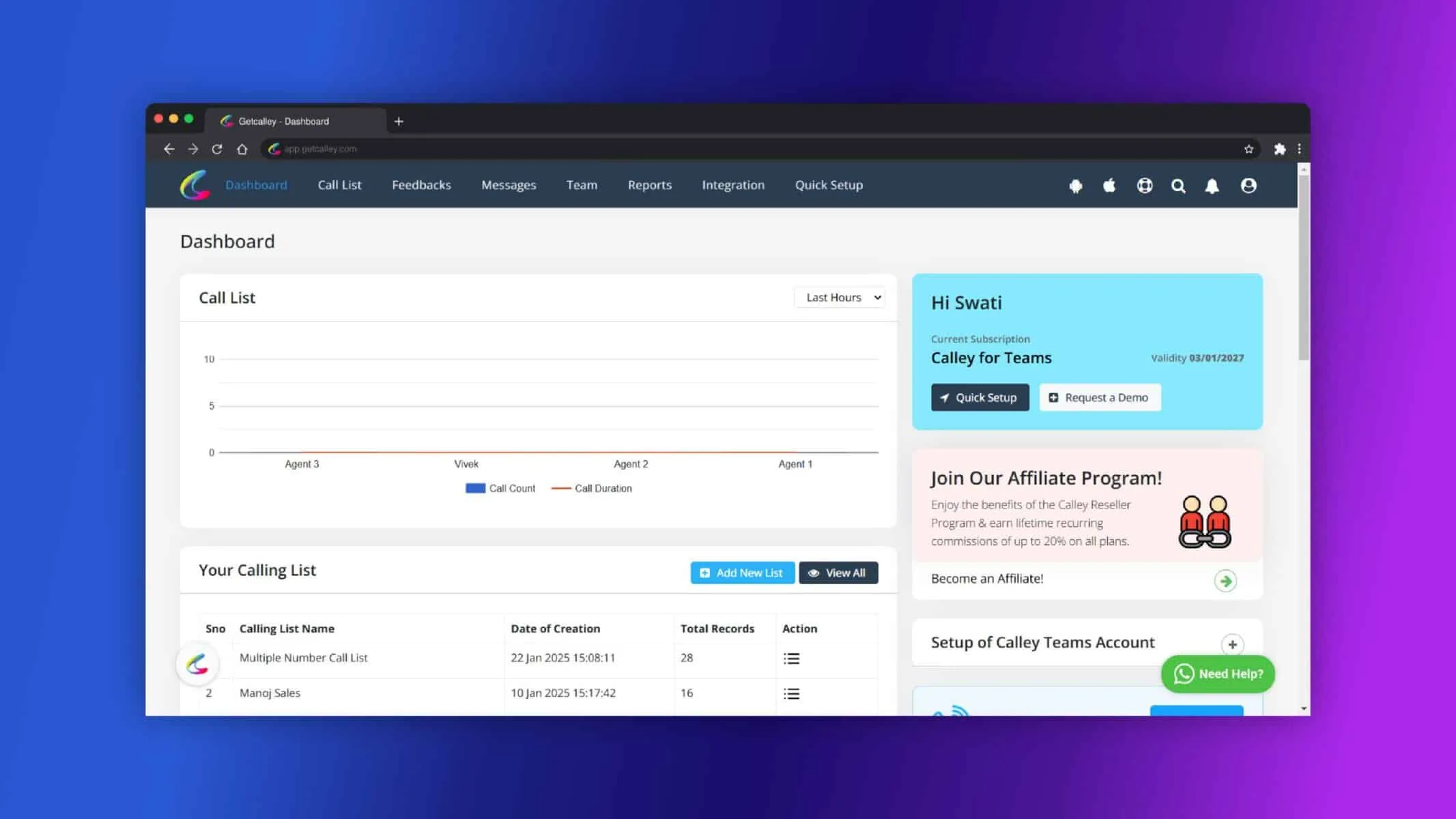
Navigate to Call List and Click on Manage Existing Lists.
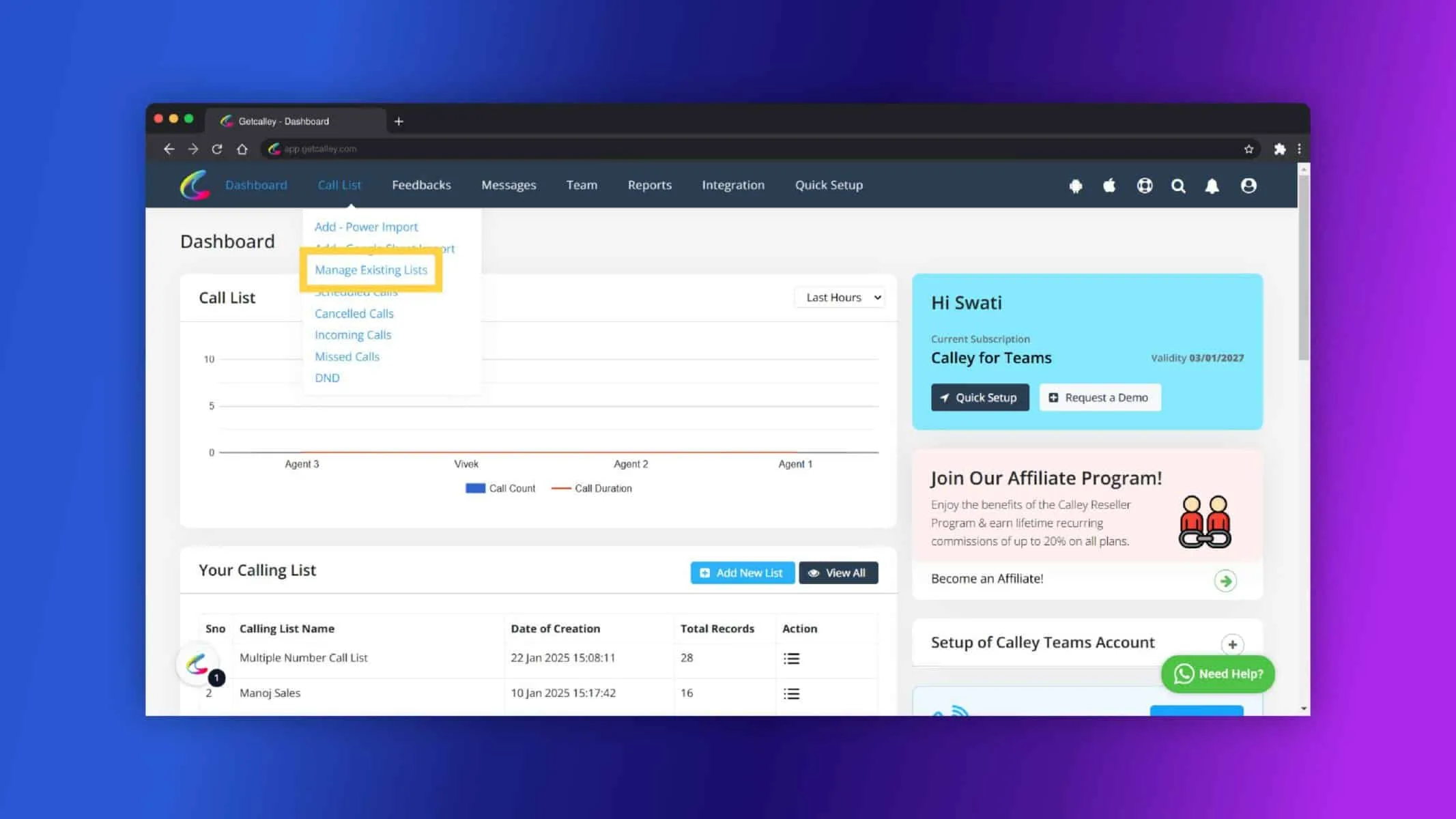
Select an existing list or create a new empty list.
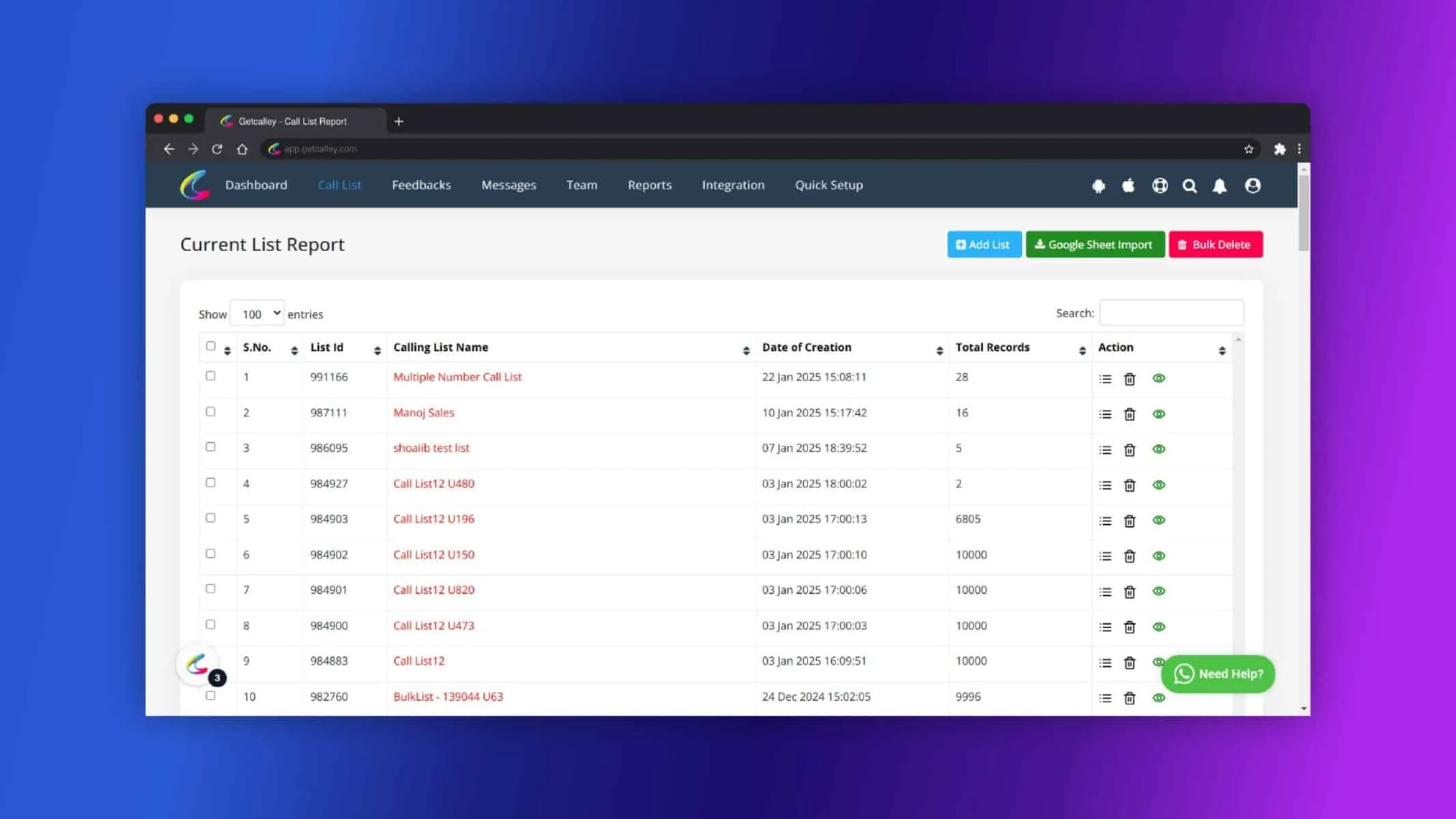
Click on the “Manually” button.
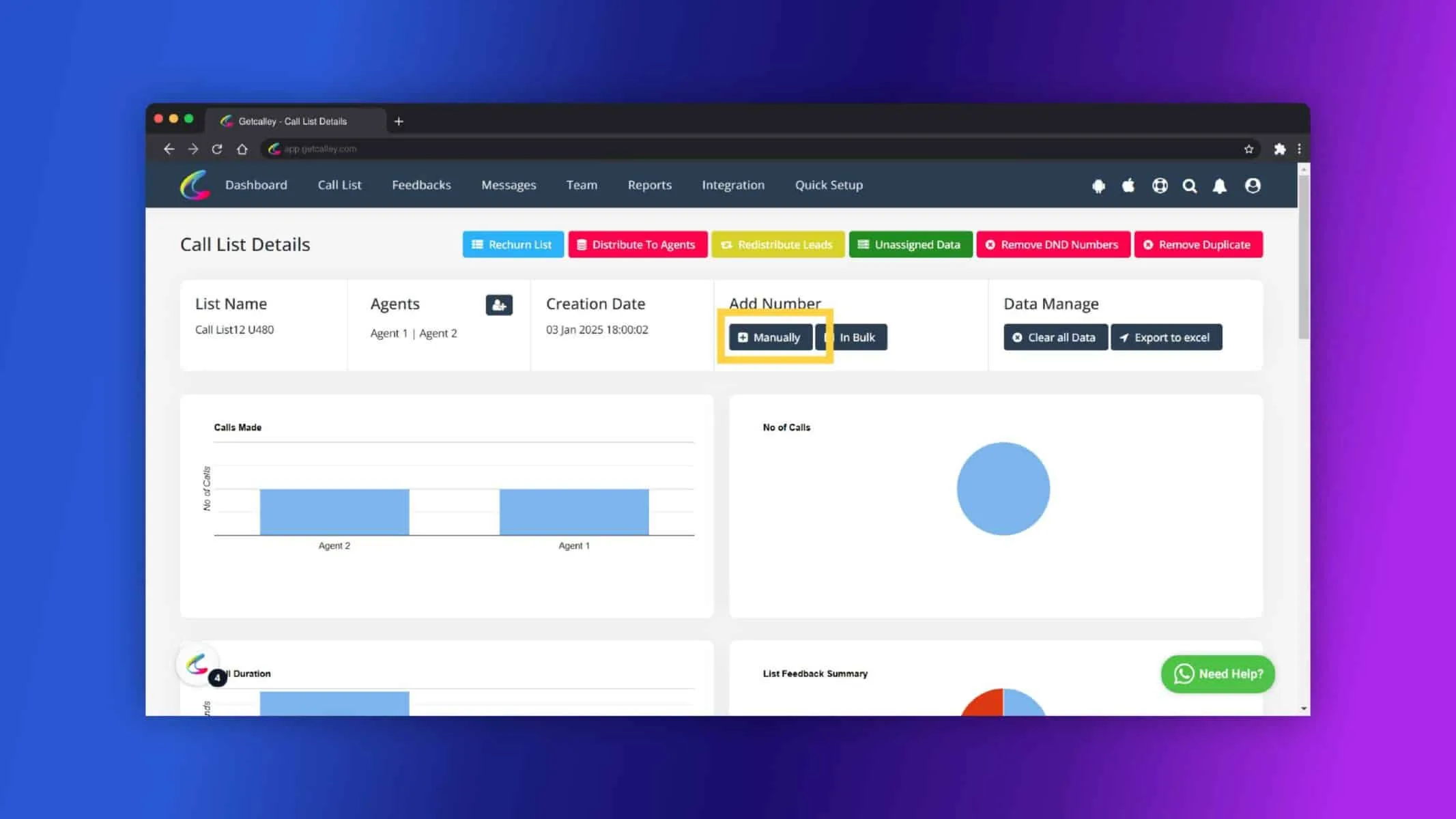
Fill in the lead details, such as Name, Phone Number, Email and Select Agent you want to assign. Click on Submit.
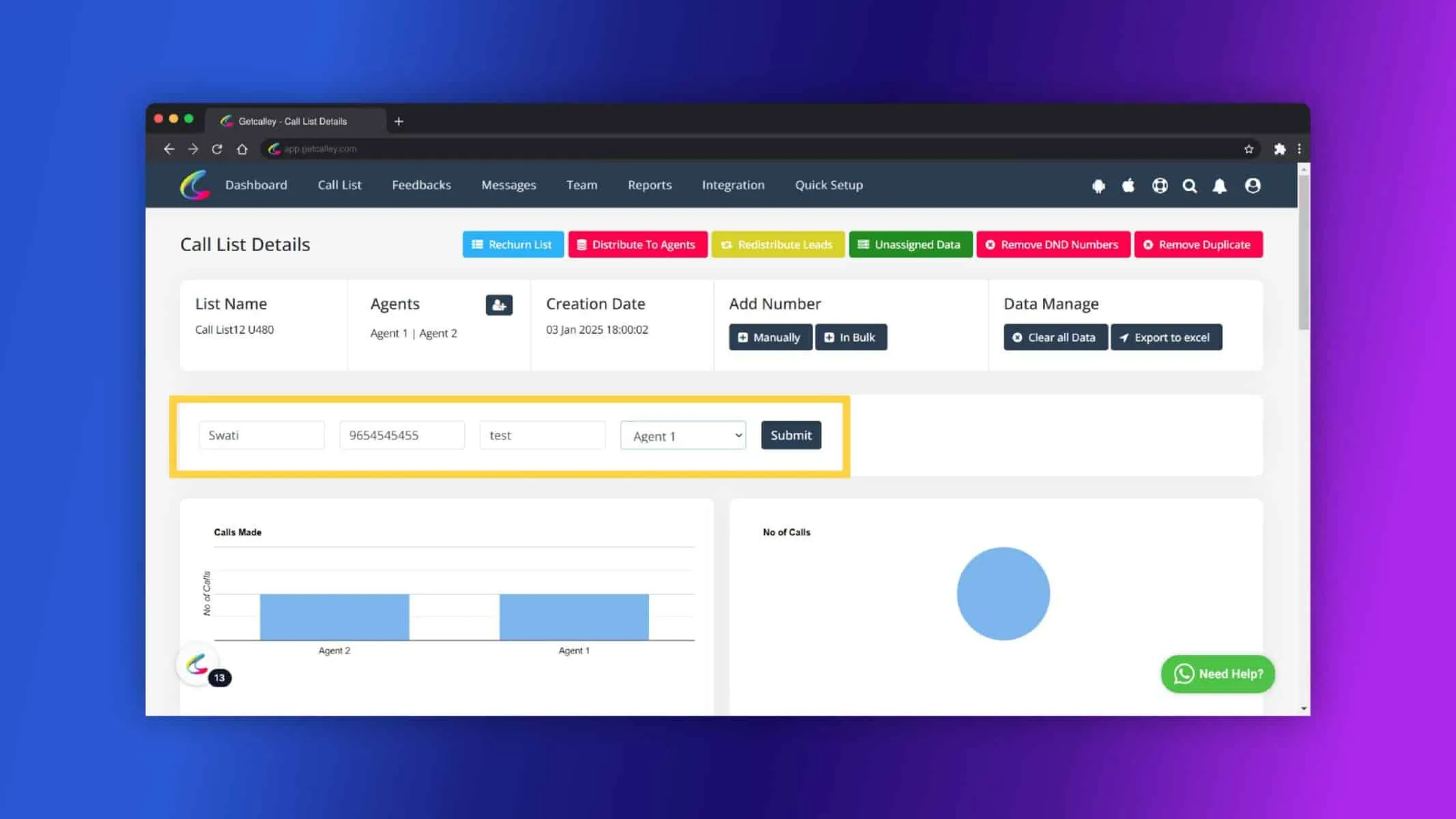
Click on OK.
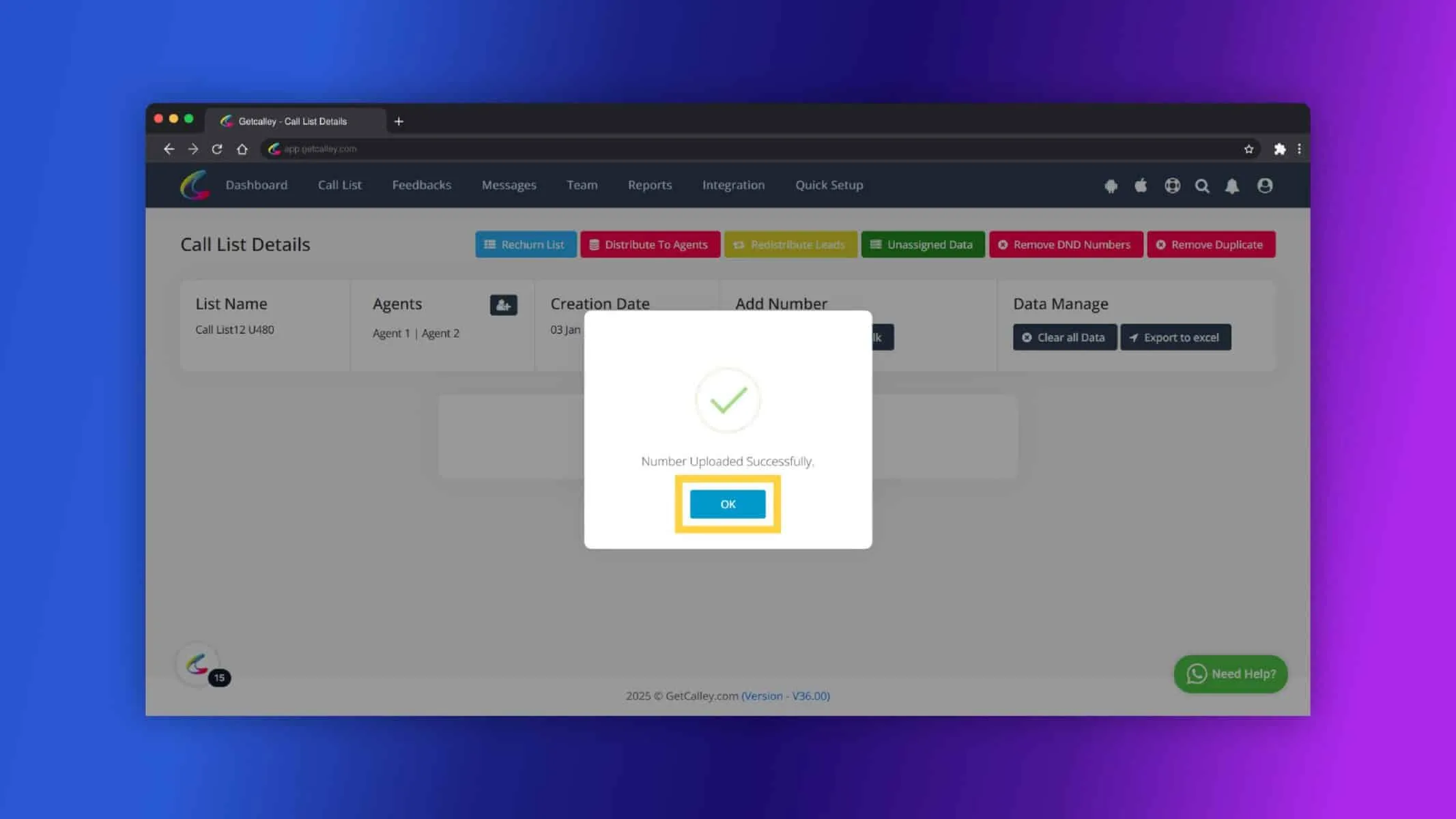
Now you can see the Lead added to your call list.
Key Points for Adding Leads Manually
- In Calley PRO, manual lead addition is possible only if the list has less than 2,000 records.
- In Calley TEAMS, you can add leads manually if the existing list has less than 10,000 records.
- Leads can be added to both empty and existing lists.
- In Teams, you have the flexibility to assign leads to specific agents, enhancing team collaboration.
Benefits for Sales Teams
- Quick Addition of Lead
Instantly add new leads without waiting for bulk imports. - Easy & Flexible Management of Calling Lists
Add leads to empty or existing lists as needed. - Targeted Assignment to desired Agents
Assign leads to specific agents in Teams for personalized follow-ups. - Faster Response Time
Quickly add hot leads and follow up promptly to boost conversions.
Manually adding leads in Calley empowers sales teams to maintain an up-to-date and organized lead database. Whether you’re working solo in Calley Pro or managing a large team with Calley Teams, this feature ensures smooth lead management and better sales outcomes. Stay proactive, manage your leads effectively, and maximize your conversion potential with Calley.
Checkout here > Pricing Plans for Calley Auto Dialer App
Link to > Full Feature List of Calley AutoDialer
Do you want to Subscribe to a Free Auto Dialer with a limit of 25 calls per day?
We know you will have questions.
We would love to answer all your questions to get you started with Autodialing using The Calley Auto Dialer app.