
Autodial Using Mobile Phone & SIM Card
What if we tell you that we can convert your existing mobile phone (Android or iOS) into a powerful autodialer & Lead reach out tool
You do not need to set up servers or buy minutes to start auto-dialing campaigns in your city or country. Yes, with Calley, you can use your existing mobile phone to start making calls automatically. All you need is to Download Calley App on your mobile and set it up for Autodialing.
Start auto dialing using your Mobile Phone & Sim Card in 2 minutes.
- 1.What if we tell you that we can convert your existing mobile phone (Android or iOS) into a powerful autodialer & Lead reach out tool
- 1.1.Signup for a Calley Account
- 1.2.Go to Dashboard & Configure
- 1.3.Create a Calling List
- 1.4.Do a Power Import of Leads
- 1.5.Create Call Feedback or Dispositions
- 1.6.Head towards your mobile & Download Calley App
- 1.7.Login to THE calley Autodialer App using your credentials.
- 1.8.Load your calling list
- 1.9.Start Calling Now
- 1.10.Update Feedback / Disposition at the end of the call
- 1.11.Understanding Reports in Calley Web Panel
- 2.Start Autodialing Using Calley SIM Based Auto Dialer
- 3.WE KNOW YOU WILL HAVE QUESTIONS.
For the purpose of showing you the Maximum Capabilities of Calley, we are using a Calley PRO Single User plan for this article.
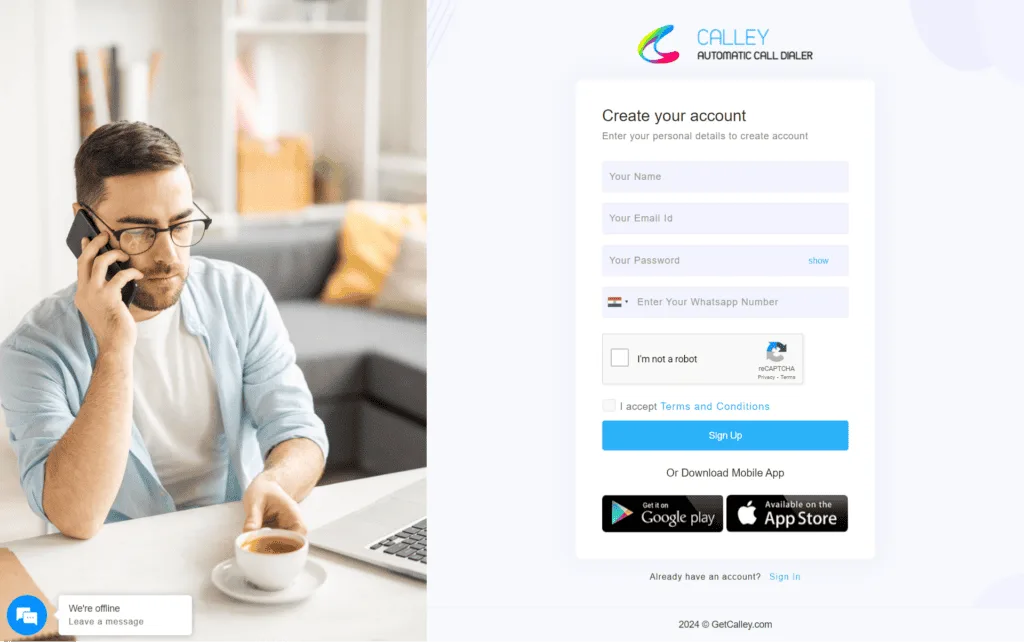
Signup for a Calley Account
If you are an existing user, you can log in to your account on Calley by visiting the URL – https://portal.getcalley.com, while if you are a new user, you can register yourself for a Calley Account using the URL – https://app.getcalley.com/registration.aspx
Go to Dashboard & Configure
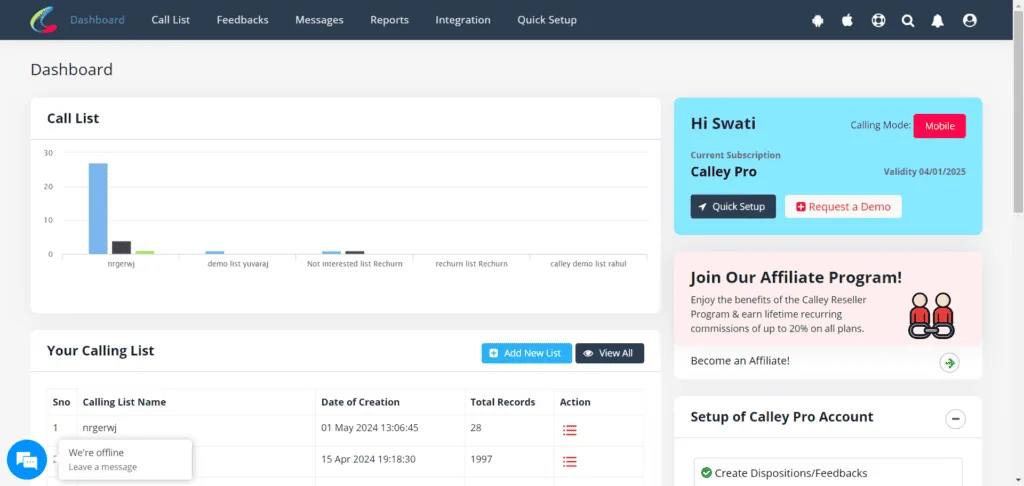
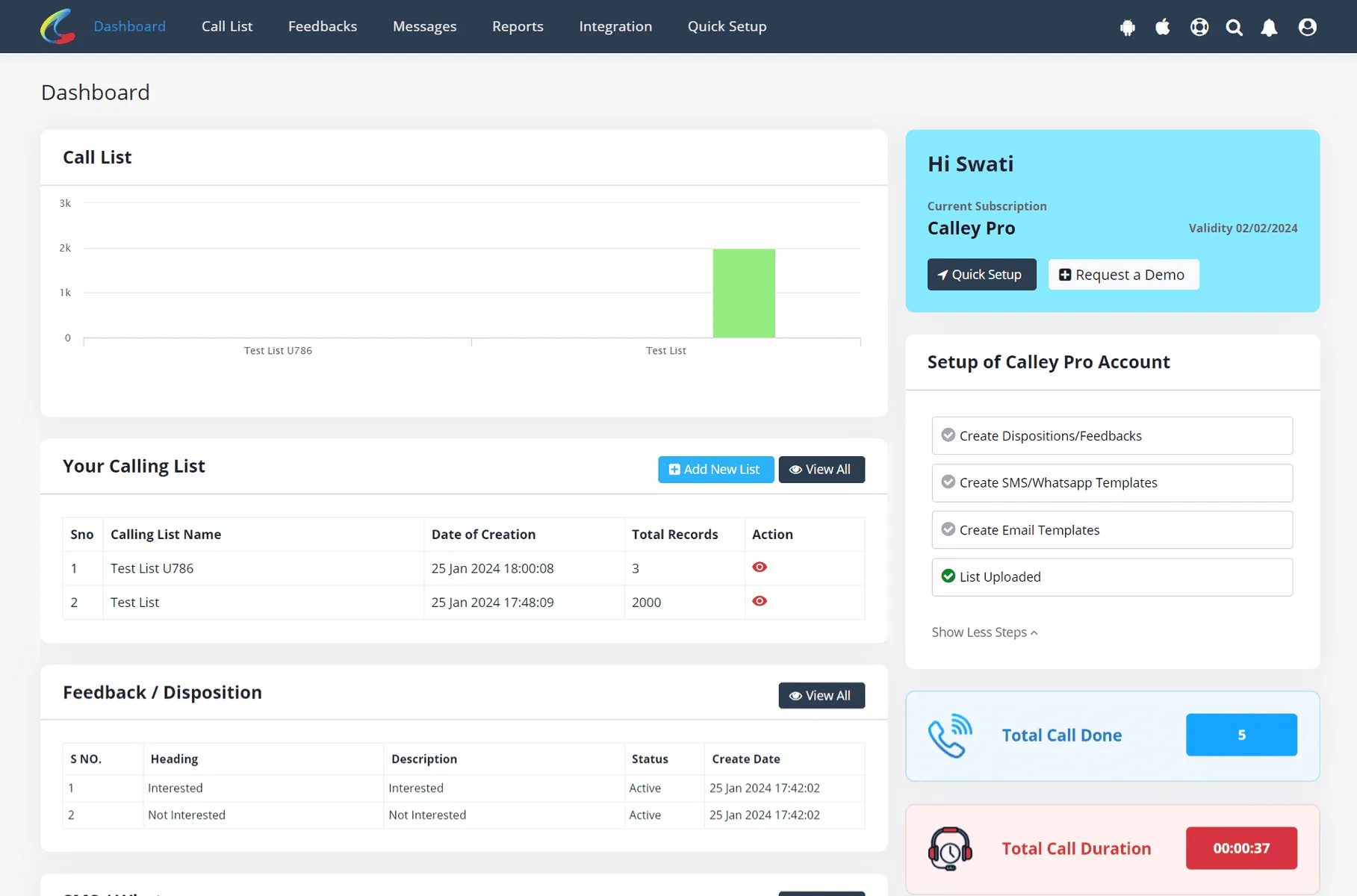
Once you have registered or logged in you reach to the dashboard from where you can configure the following.
- ✓Calling List
- ✓Call Feedbacks / Dispositions
- ✓SMS API
- ✓Email SMTP
Create a Calling List
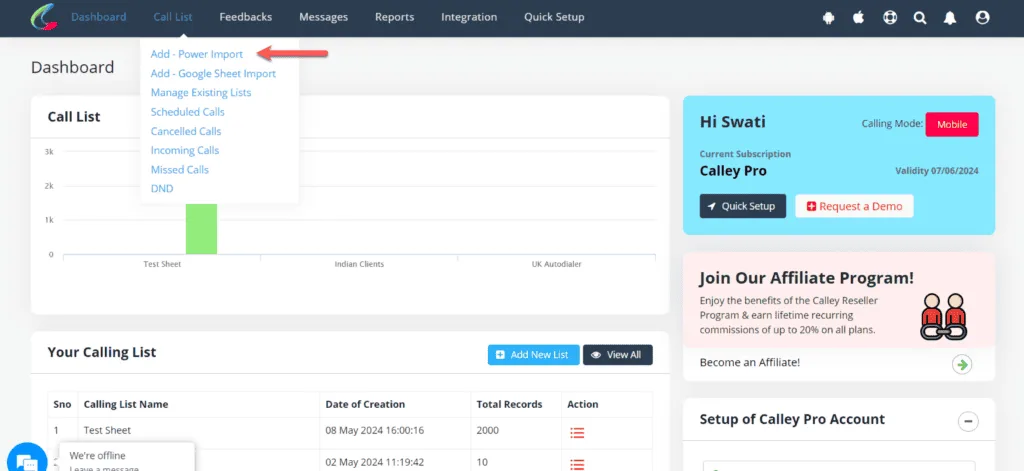
Creating a calling list is mandatory; this is the collection of leads on which you or an agent of your team will make outbound calls. You can import them thru…
- ✓Power Import Mode – You select a list of 100,000 leads in XLS and import them to Calley. The mode gives you the flexibility of mapping values in your xls file with the fields available in Calley.
- ✓Google Sheet Import Mode – You can connect a Google sheet with the Calley Calling List and set it for an auto-update / import of leads when a new record is added to the Google Sheet.
Do a Power Import of Leads
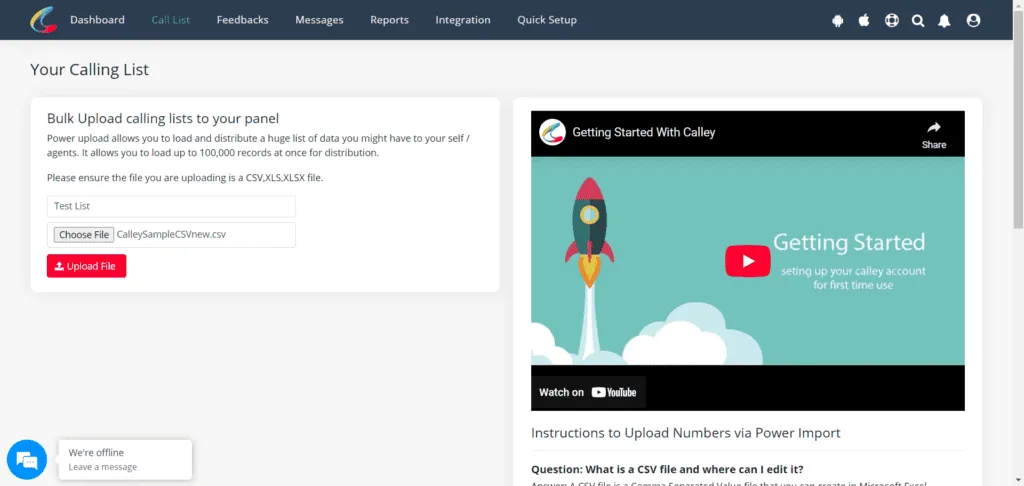
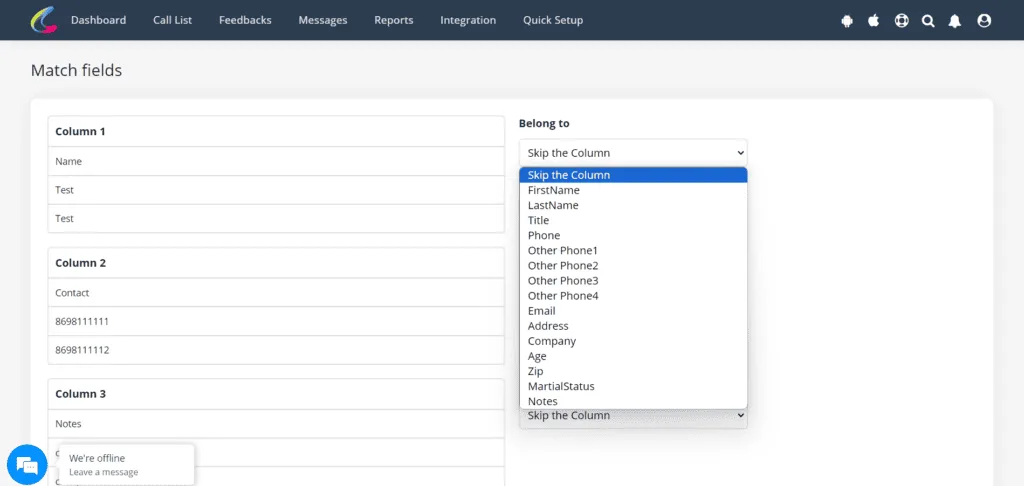
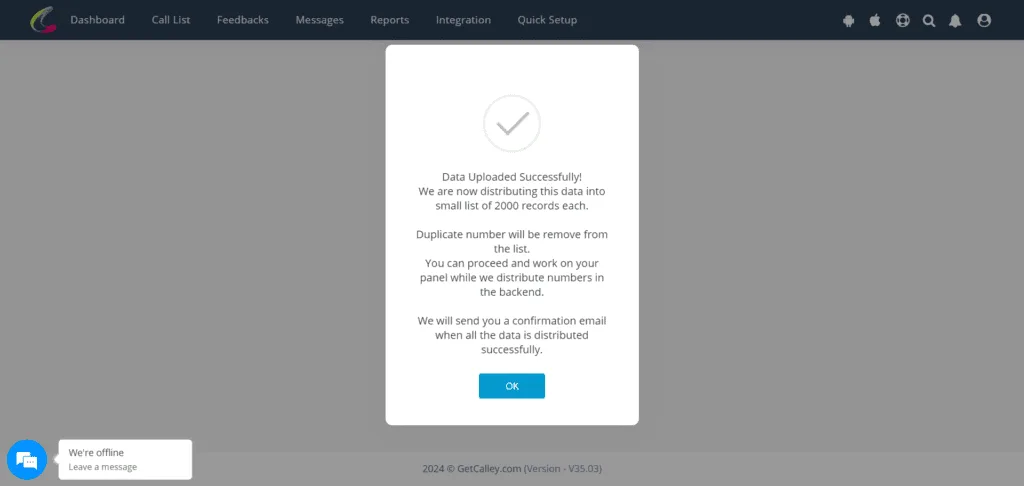
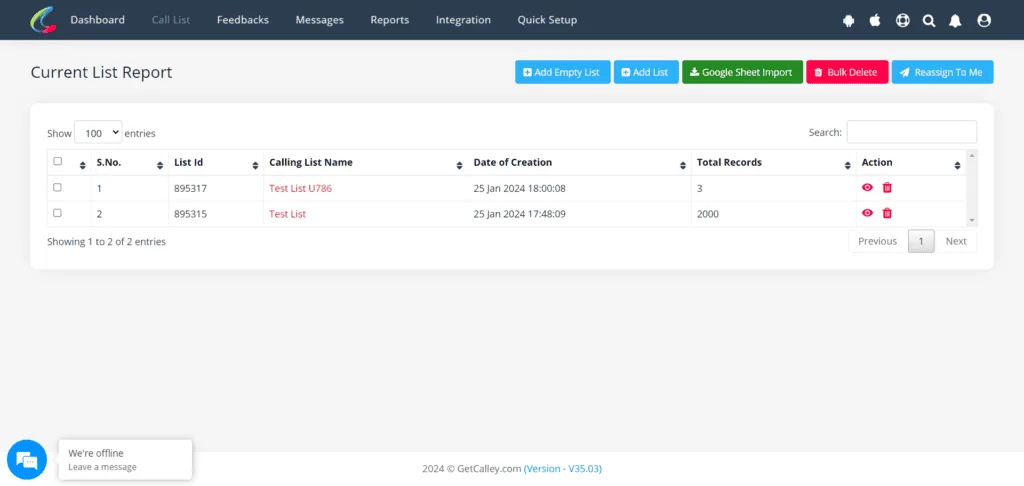
Provide a new list name and select the sheet (xls, xlsx, csv file) that you want to upload to the panel.
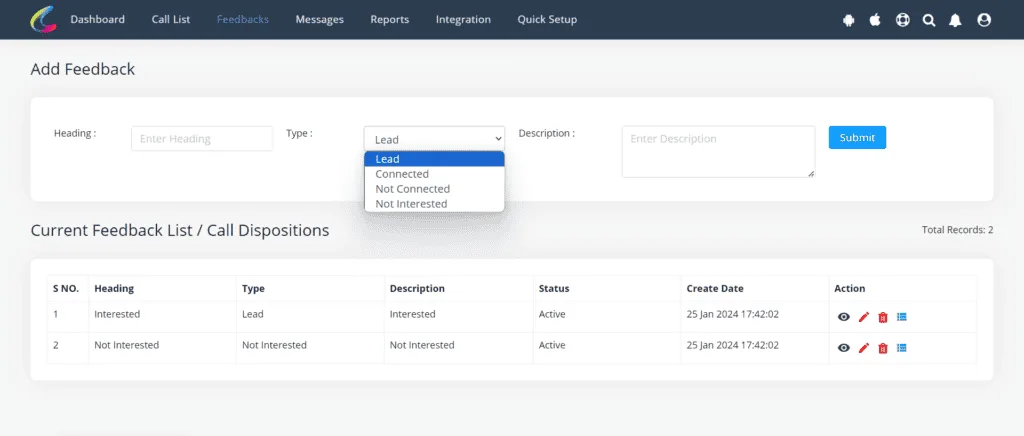
Create Call Feedback or Dispositions
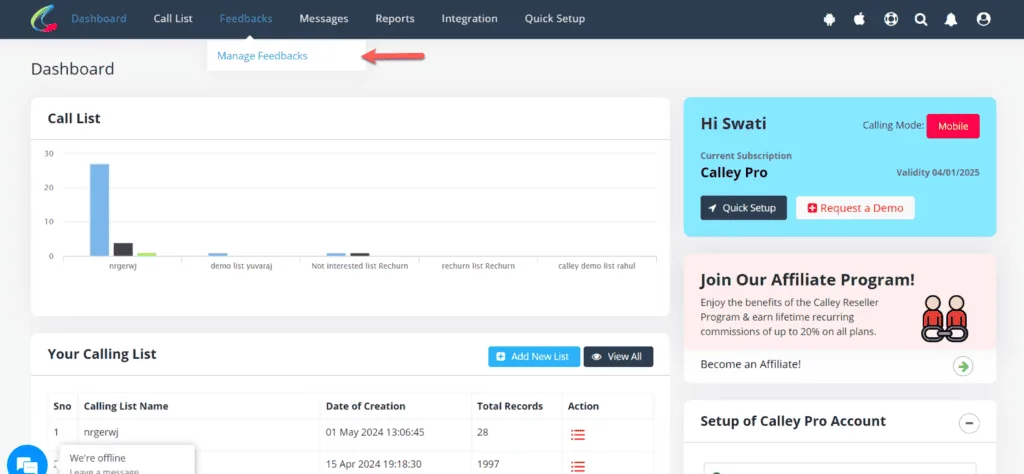
Once the list is uploaded, head to the creation of Call Dispositions. You can create unlimited dispositions but they are categorized in to 4 major types.
- ✓Lead
- ✓Connected
- ✓Not Connected
- ✓Not Interested
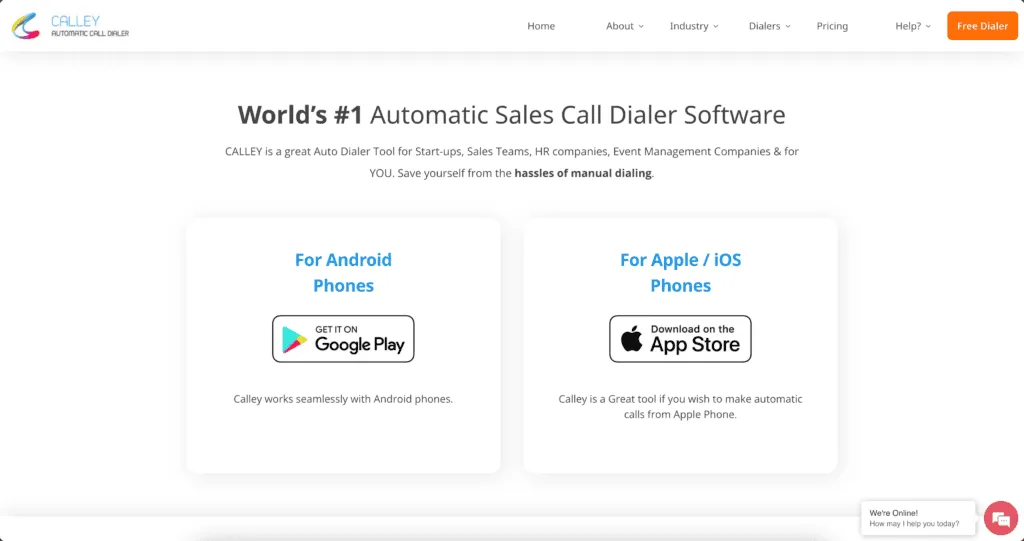
Head towards your mobile & Download Calley App
As you set up the web panel, you can now continue downloading and installing the Calley Autodialing Mobile App on your mobile phone.
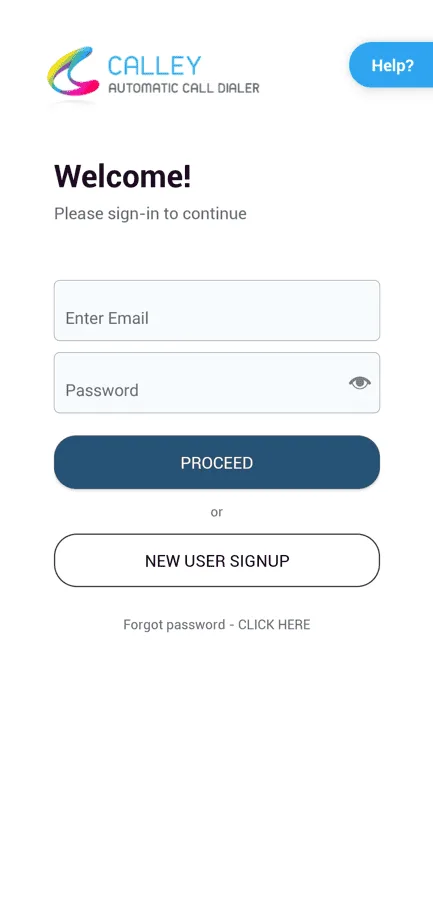
Login to THE calley Autodialer App using your credentials.

As you have downloaded the app, log in using the same login credentials as that of the web panel. As you log in, the app will request you for certain permissions to work correctly. Please approve them.
Load your calling list
As you approve, you are taken to the dashboard, from where you can load the calling list.
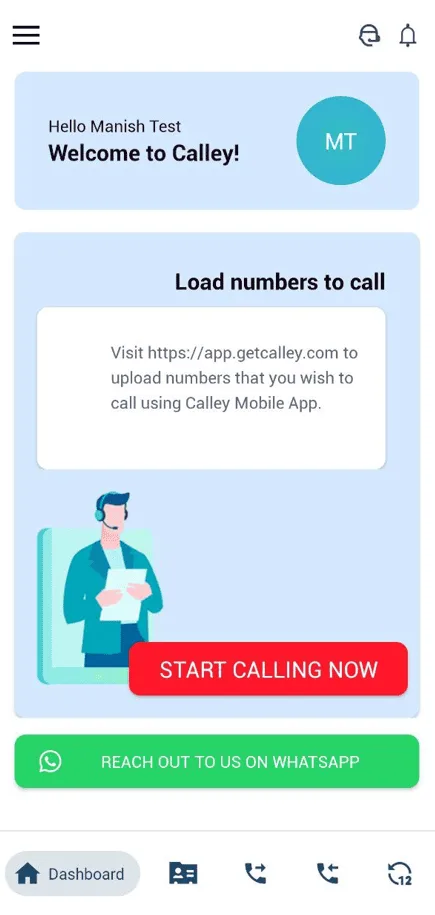
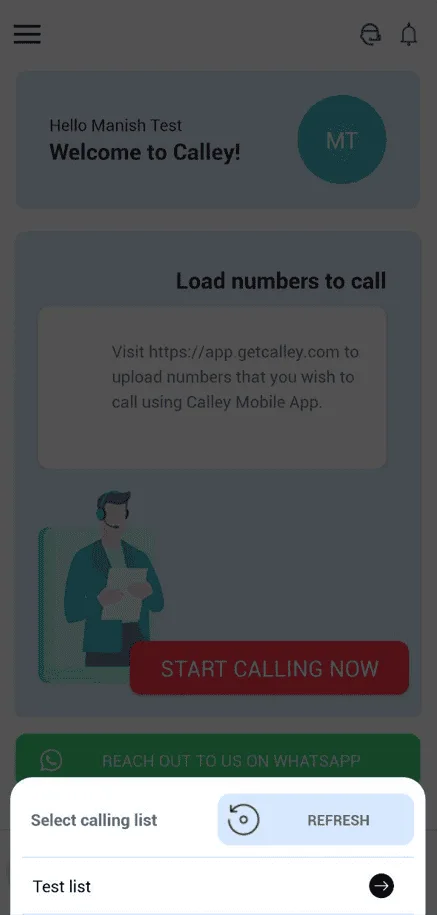
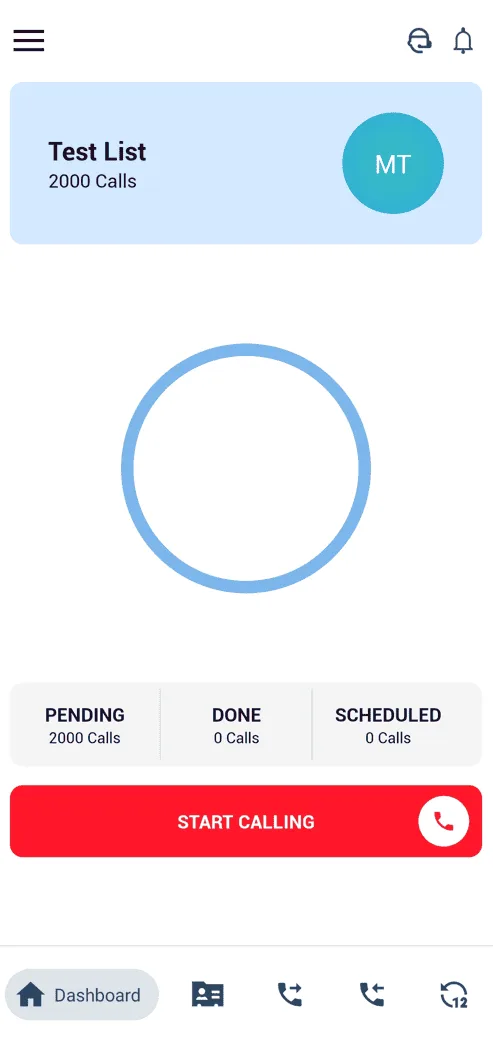
Start Calling Now
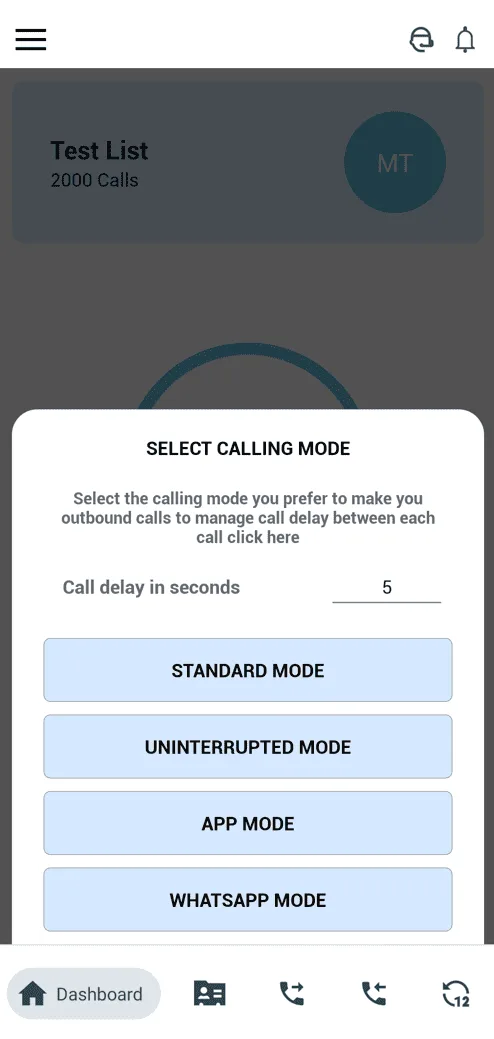
As the list is loaded successfully, you can start calling. Calley offers you different calling modes to choose from when making calls from a mobile phone. You can choose Standard Mode to start with.
- ✓Standard Mode
- ✓Uninterrupted Mode
- ✓App Mode
- ✓Whatsapp Mode
Update Feedback / Disposition at the end of the call
As the call finishes Calley offers you a prompt to update Call Dispositions, Send SMS, Send Email, Send Whatsapp, Set numbers as DND, or Schedule the call for future.
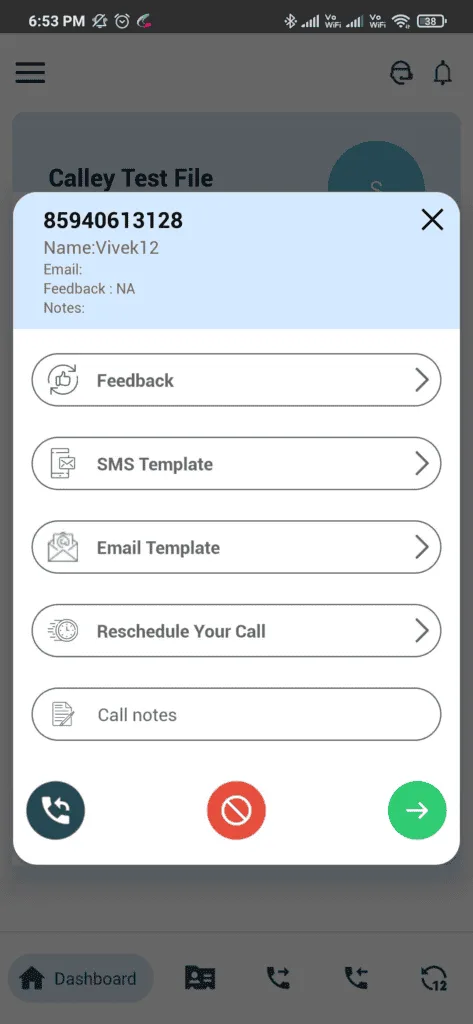
Actions todo at the End of a Call
- ✓Call Feedback / Dispositions
- ✓Send SMS
- ✓Send Email
- ✓Schedule your call in future
- ✓Call Notes
- ✓Redial Same Number
- ✓Mark the number as DND
- ✓Go to next number in the list
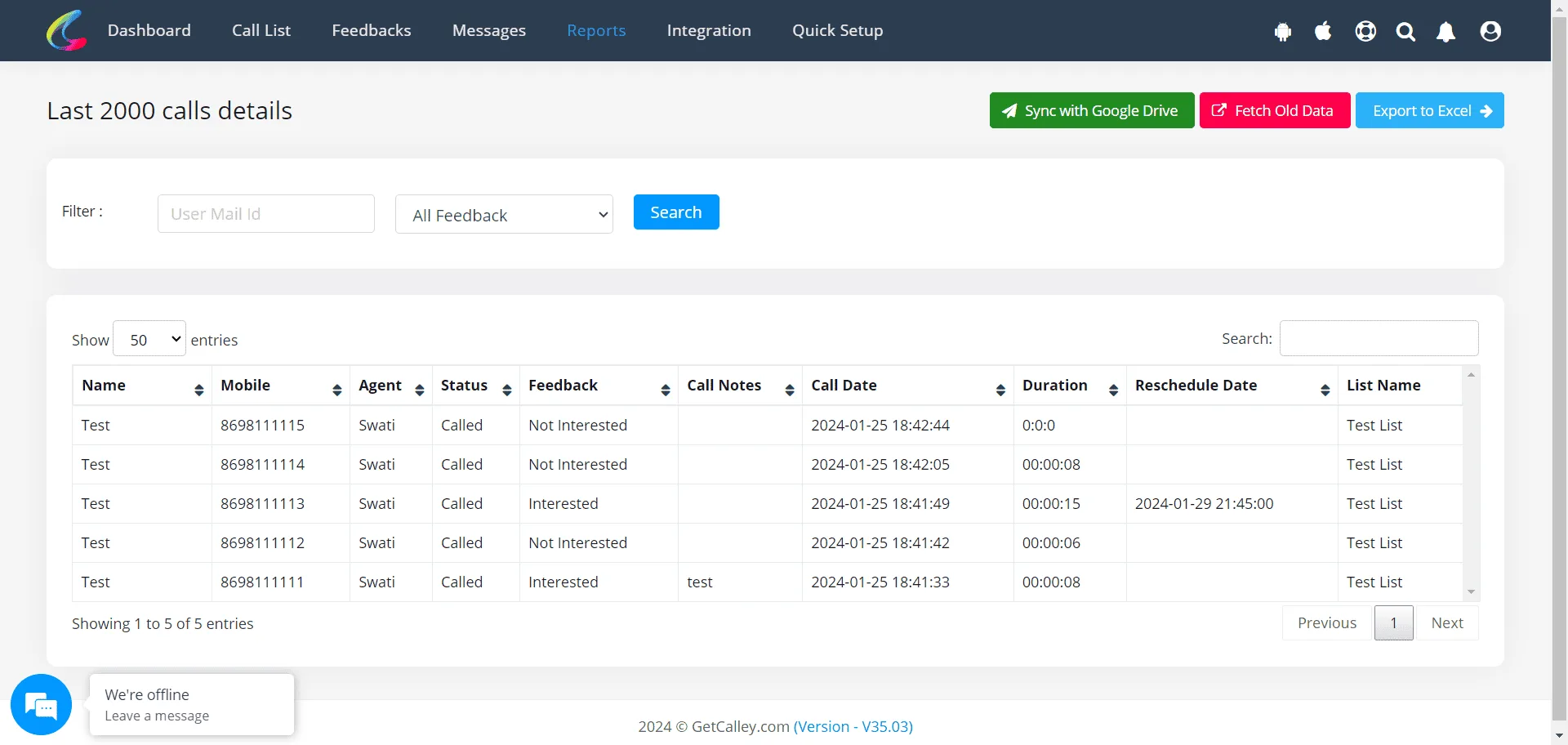
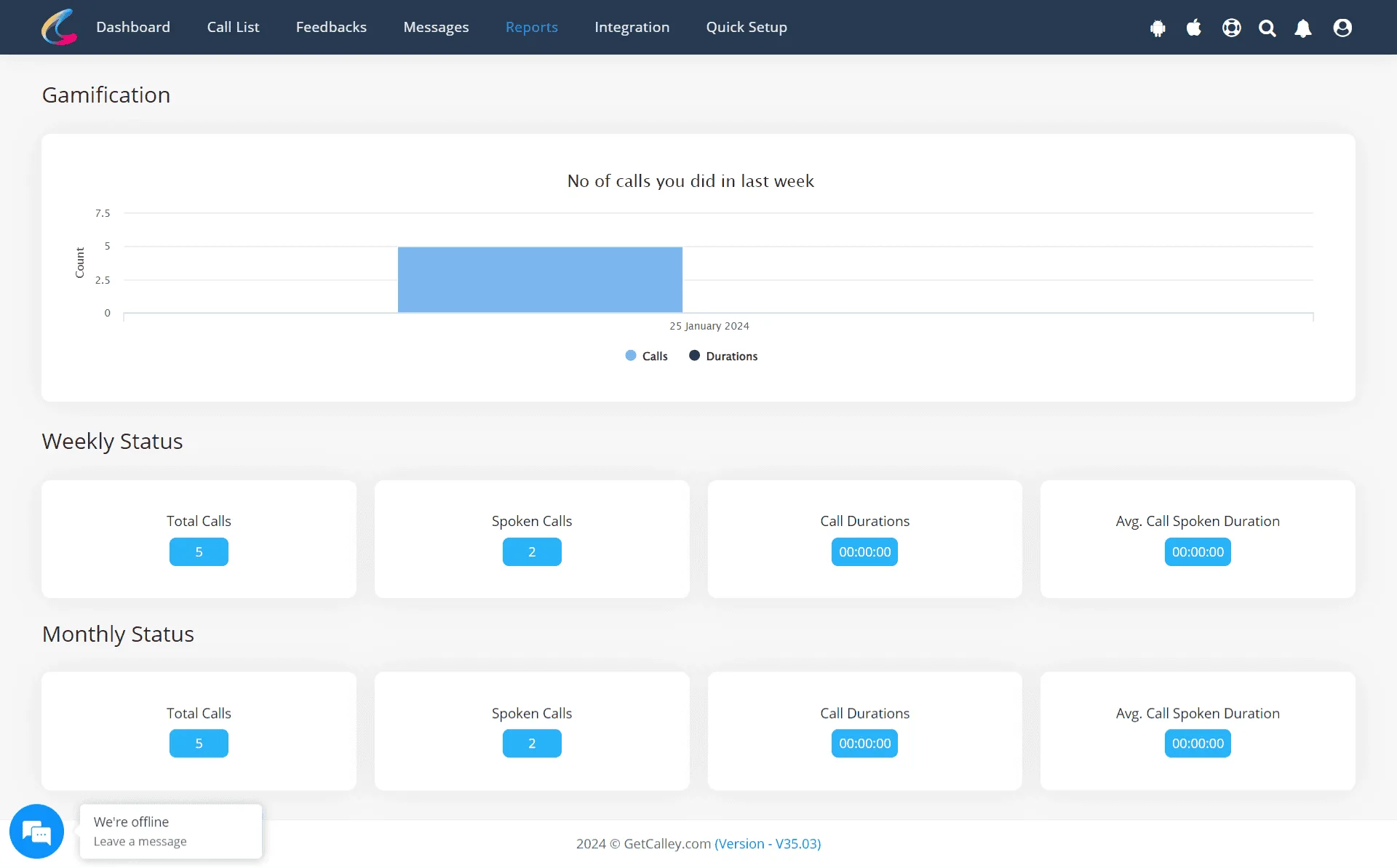
Understanding Reports in Calley Web Panel
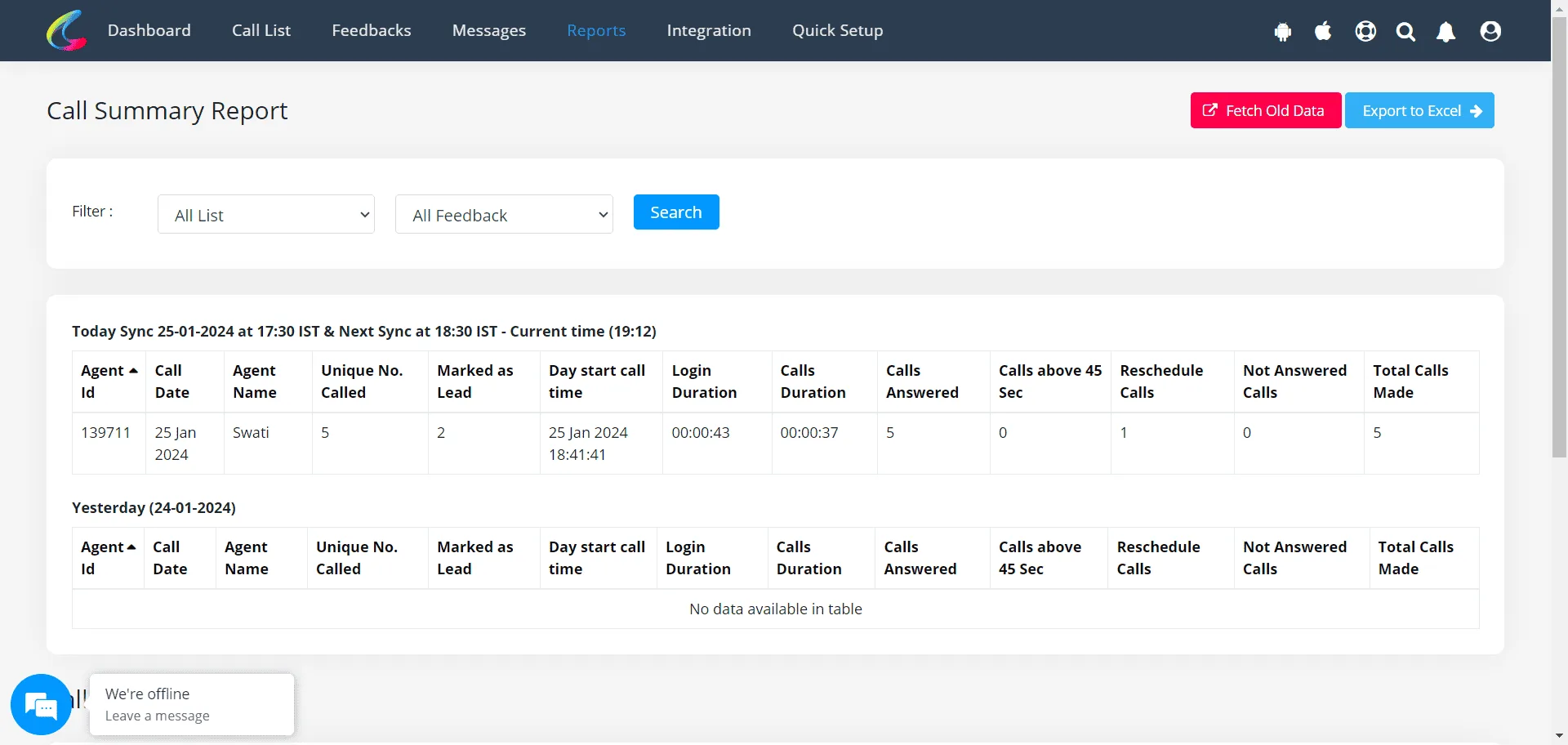
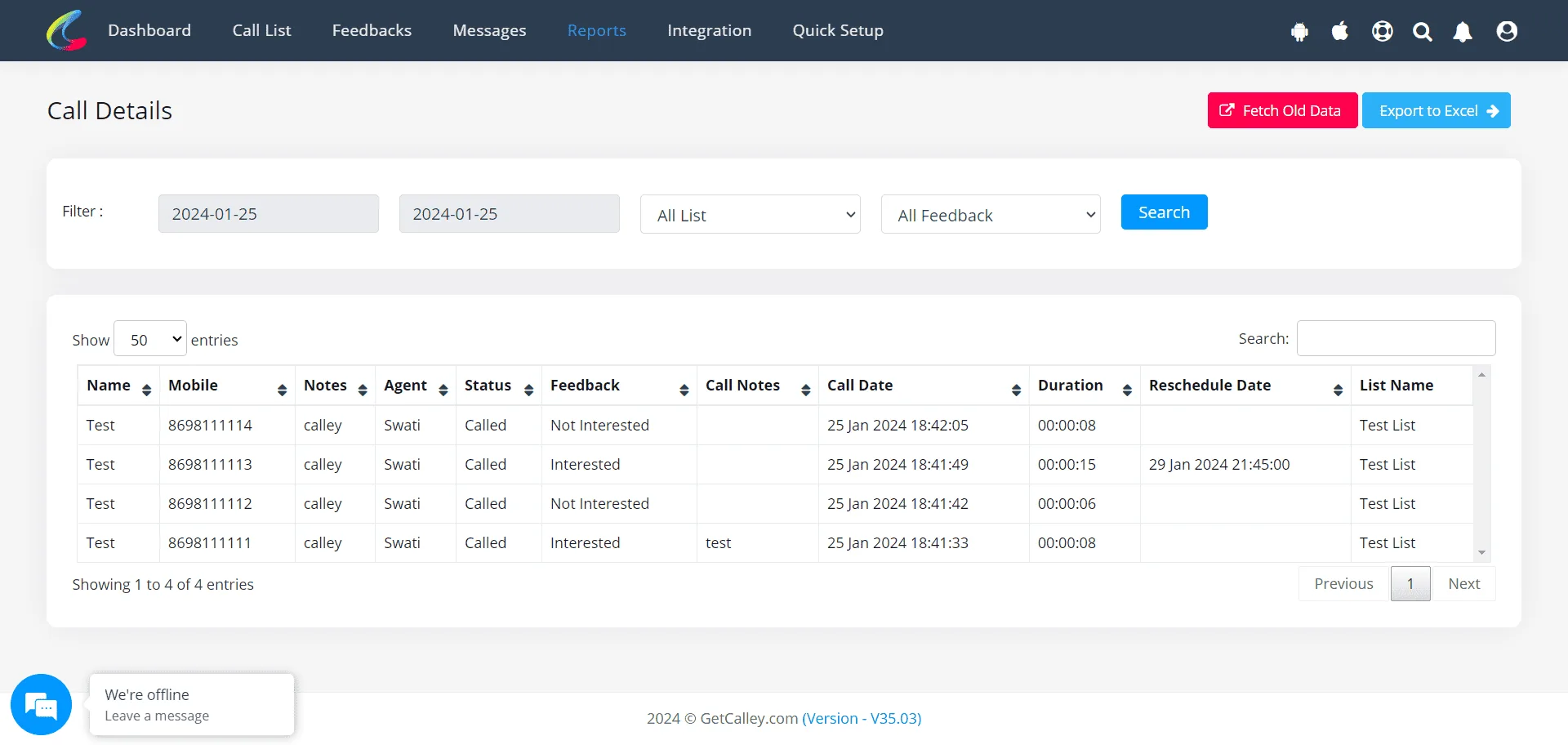
As you are doing calls the Calley Mobile App is syncing data of the calls done with the Web Panel so that your data is available for a deeper analysis.
Start Autodialing Using Calley SIM Based Auto Dialer
With all these features and options to AutoDial using your own mobile sim card, Calley converts your mobile phone into a powerful Auto Dialing Machine. Use Calley for Sim-Based Autodialing and Get Started in 2 Minutes.
Checkout here > Pricing Plans for Calley Auto Dialer App
Link to > Full Feature List of Calley AutoDialer
Do you want to Subscribe to a Free Auto Dialer with a limit of 25 calls per day?
We know you will have questions.
We would love to answer all your questions to get you started with Autodialing using The Calley Auto Dialer app.