
CALLEY Zapier integration
Calley now integrates with Zapier!
Calley can be connected to 5,000+ other web services with Zapier. In minutes, you can set up automated connections called Zaps to automate your day-to-day tasks and save time.




How does Calley integrations with Zapier works?
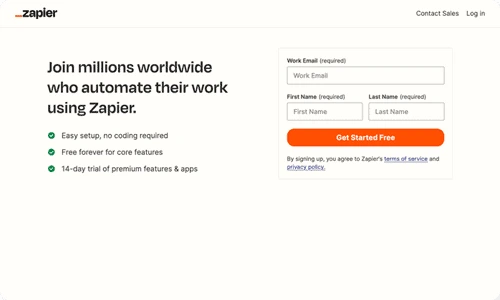
Sign up for a free Zapier account.
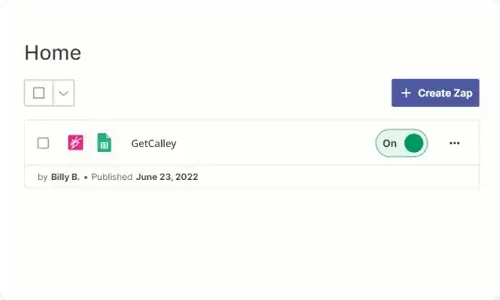
Create your Zap

Automate & Scale this Zap!
Popular ways to use Calley workflows
Find out how you can quickly integrate Calley Auto Dialer with CRMs such as Zoho CRM, HubSpot, and many more using the pre-made examples below.

Add new Contacts or Leads from HubSpot to Calley ACD
HubSpot + Calley Auto Dialer
Add new Contacts or Leads from Google Sheet to Calley ACD
Google Sheets + Calley Auto Dialer
Add new Contacts from Kommo CRM to Calley ACD
Kommo CRM Add New Contact + Calley Auto Dialer
Add new Leads from Kommo CRM to Calley ACD
Kommo CRM Add New Lead + Calley Auto Dialer
Add new Contacts or Leads from Zoho CRM to Calley ACD
Zoho CRM + Calley Auto Dialer
and many more...
Create Custom Workflows
Do you feel adventurous? Custom workflows can also be built to meet your specific needs. You will really be able to show off your superpowers here.
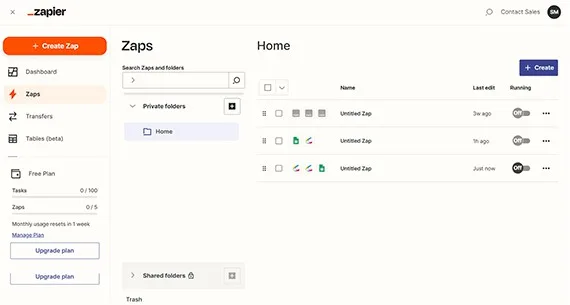
Upon logging into your Zapier account, go to the Zap Editor or select Create a Zap.
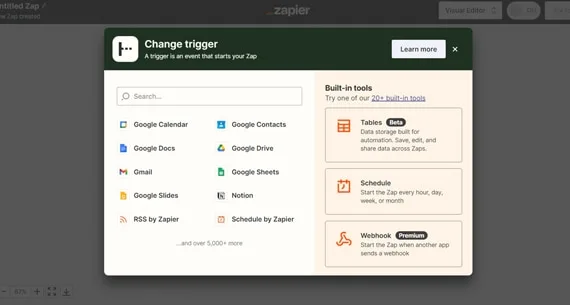
Choose the any CRM like Google sheet, HubSpot, Kommo or Zoho typing in the Trigger App search box.
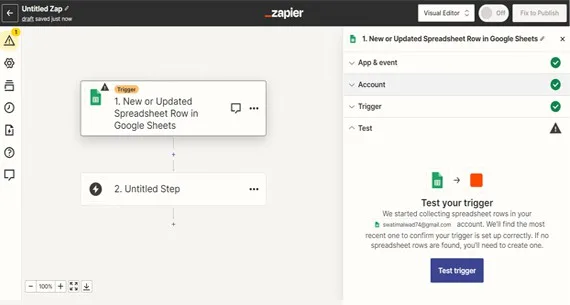
Here I am selecting Google Sheet for guide. Choose an event and connect your google account, Test a trigger.
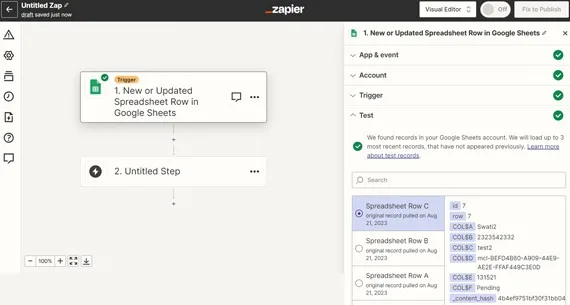
You will get sample data from your Google Sheet to validate. Select a record from your Google Sheet.
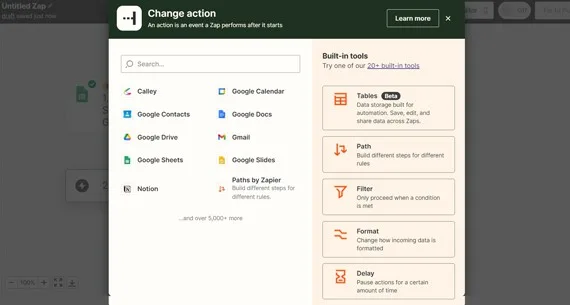
In the Second Step, choose a Calley Autodialer App by typing in search box.
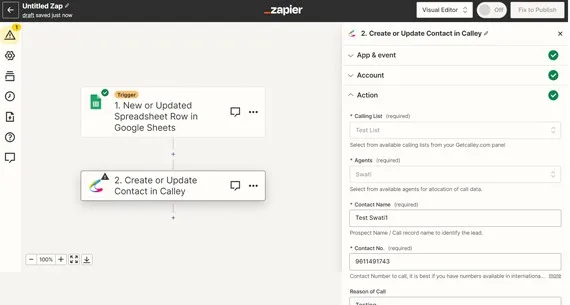
Select an event & connect your Calley Account to Zapier by validating your Login credentials.
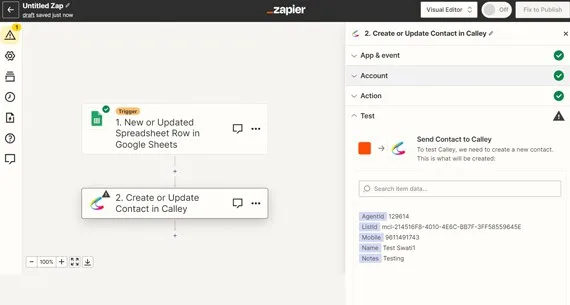
Select the action, map fields and test the action before making it live.
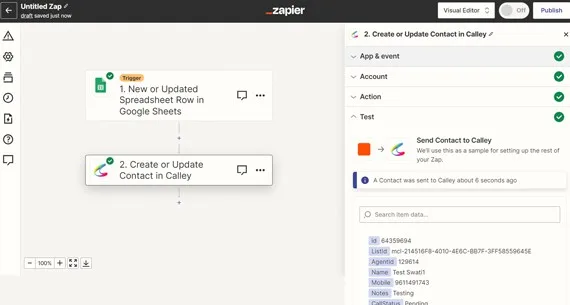
Once validated, simply publish your Zap and you're ready to go! Your automation is now Live.
This is just one of the example that you can automate using Calley and Zapier Integration.

Calley Automatic Dialer allows you to do more than just calling?
With Zapier Integration you can now exchange and automate your calling process with the leading CRM, Mailing, Lead Generation and many more apps.
A simple No-Code wizard with Zapier allows you to add new leads as well as update calling data for those leads to your CRM with the need of a Manual intervention.
Save yourself from the hassles of manual dialing.