
Understanding the Team Admin Role in Calley Teams Subscription
In the Calley Teams Subscription, the Team Admin is the primary user responsible for creating and managing the team structure. This role includes assigning tasks, managing agents, and overseeing performance, ensuring efficient team operations.
What is the Role of a Team Admin?
The Team Admin is tasked with the overall management of the team. They create call lists, assign roles, and maintain the system’s smooth functioning. However, the Team Admin does not have access to the mobile app; only Team Agents can use the app to make calls.
- Create and Assign Call Lists: Team Admins create call lists and assign them directly to Team Agents for execution.
- Account Management: Team Admins can create accounts for both Team Leaders and Team Agents.
- Set Up Integrations: They configure SMTP, SMS APIs, and other system integrations to ensure seamless communication and reporting.
- Access Comprehensive Reports: Team Admins have full visibility into all reports, including call feedback and performance data from both Team Leaders and Team Agents.
Team Structure Overview in Calley Teams:
1. Team Admin:
- Manages the overall team structure.
- Creates call lists and assigns them to Team Agents.
- Creates and manages accounts for Team Leaders and Team Agents.
- Configures system integrations.
- Cannot access the mobile app or make calls.
2. Team Leaders:
- Manage reporting and performance data for their assigned Team Agents.
- Assign call lists to Team Agents created by the Team Admin.
- Cannot access the mobile app or make calls.
- Cannot configure system settings or integrations.
3. Team Agents:
- Responsible for making calls using the mobile app.
- Execute call lists assigned by the Team Admin or Team Leader.
- Submit call feedback and dispositions for reporting.
How to Set Up a Team as a Team Admin
Log in to the Admin Panel using your credentials.
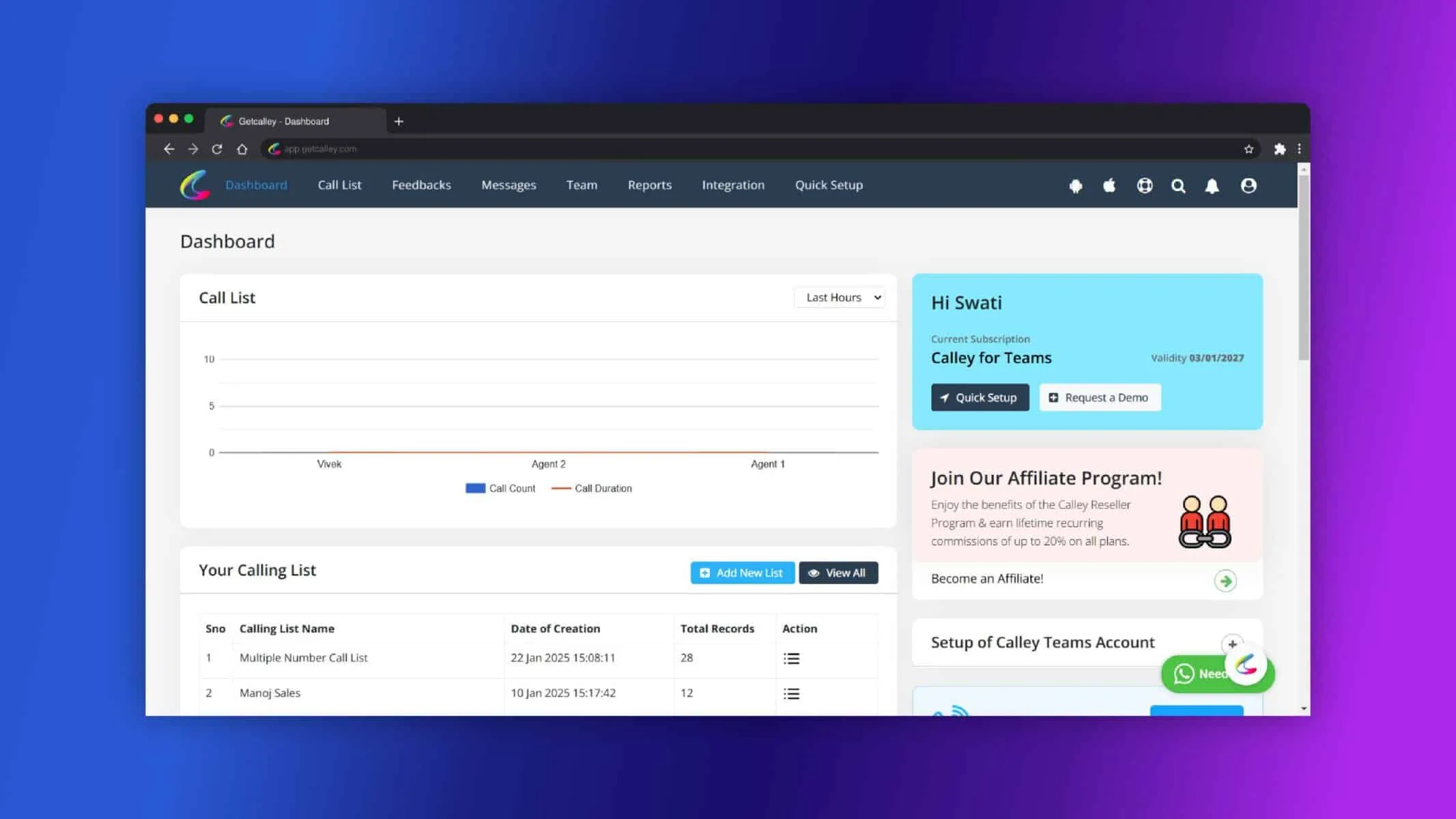
Navigate to the “Team Lead” section.
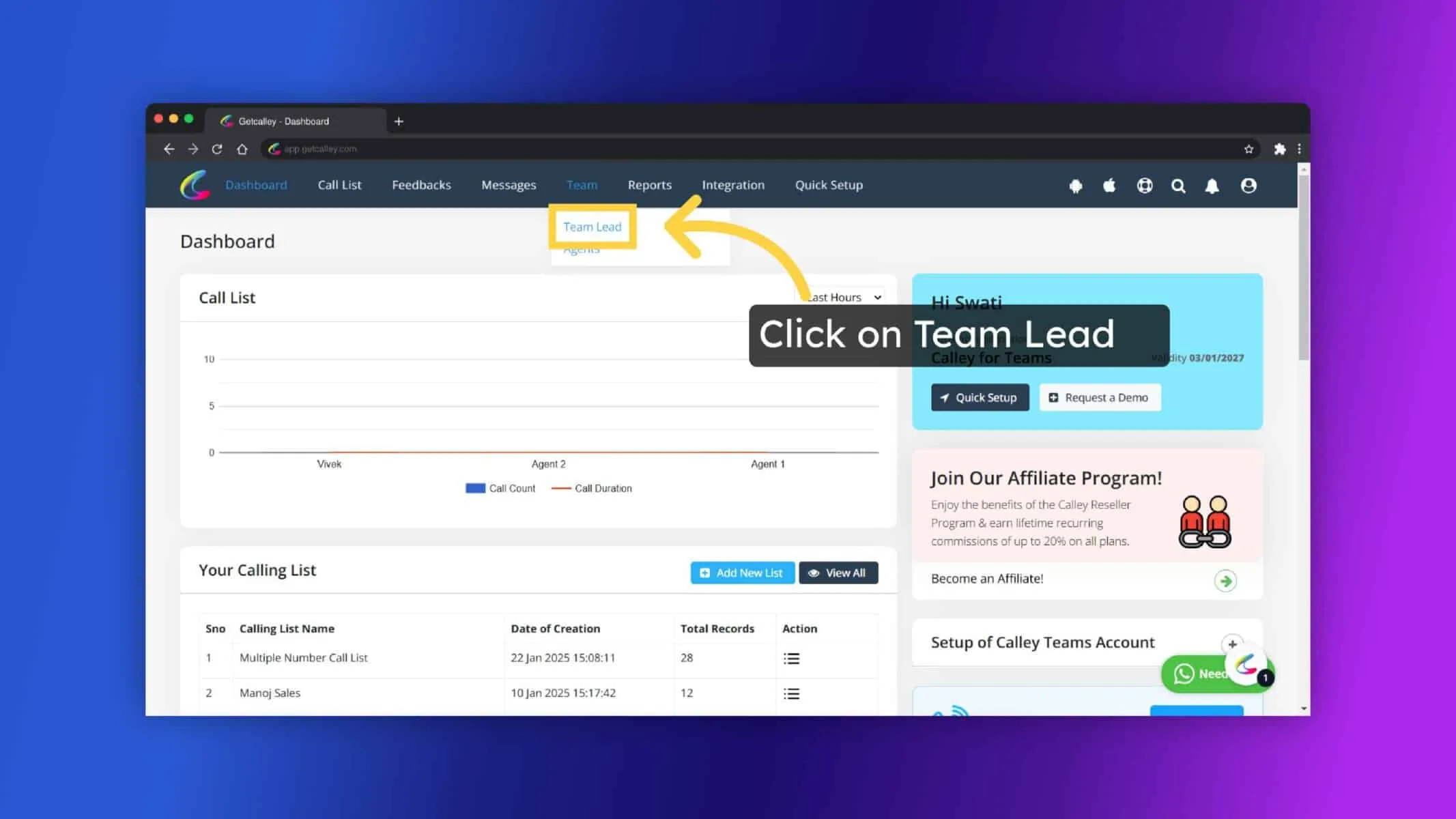
Enter the required details such as the Team Leader’s name, email, and phone number. Click on “Submit” to finalize the Team Leader account.
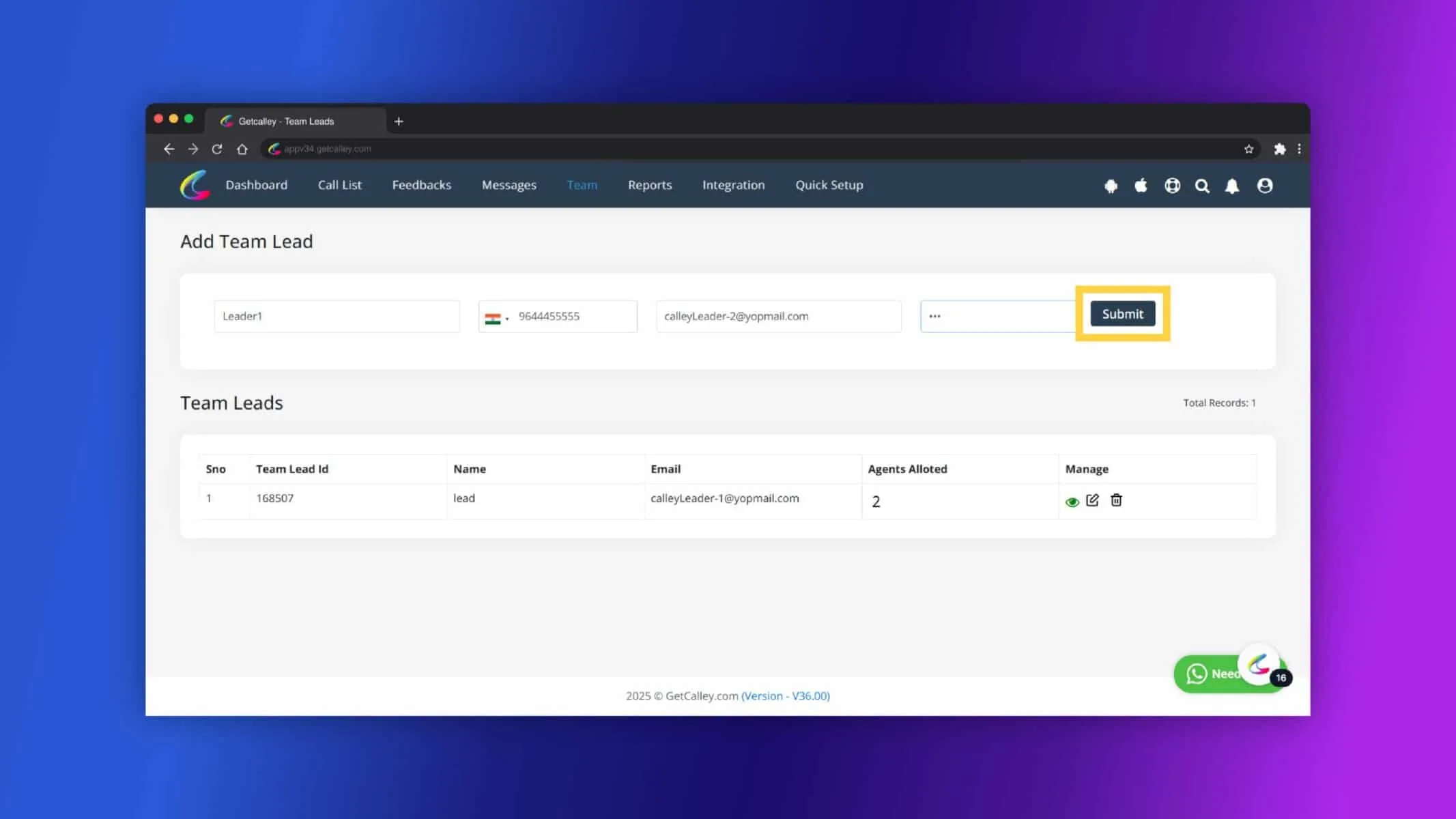
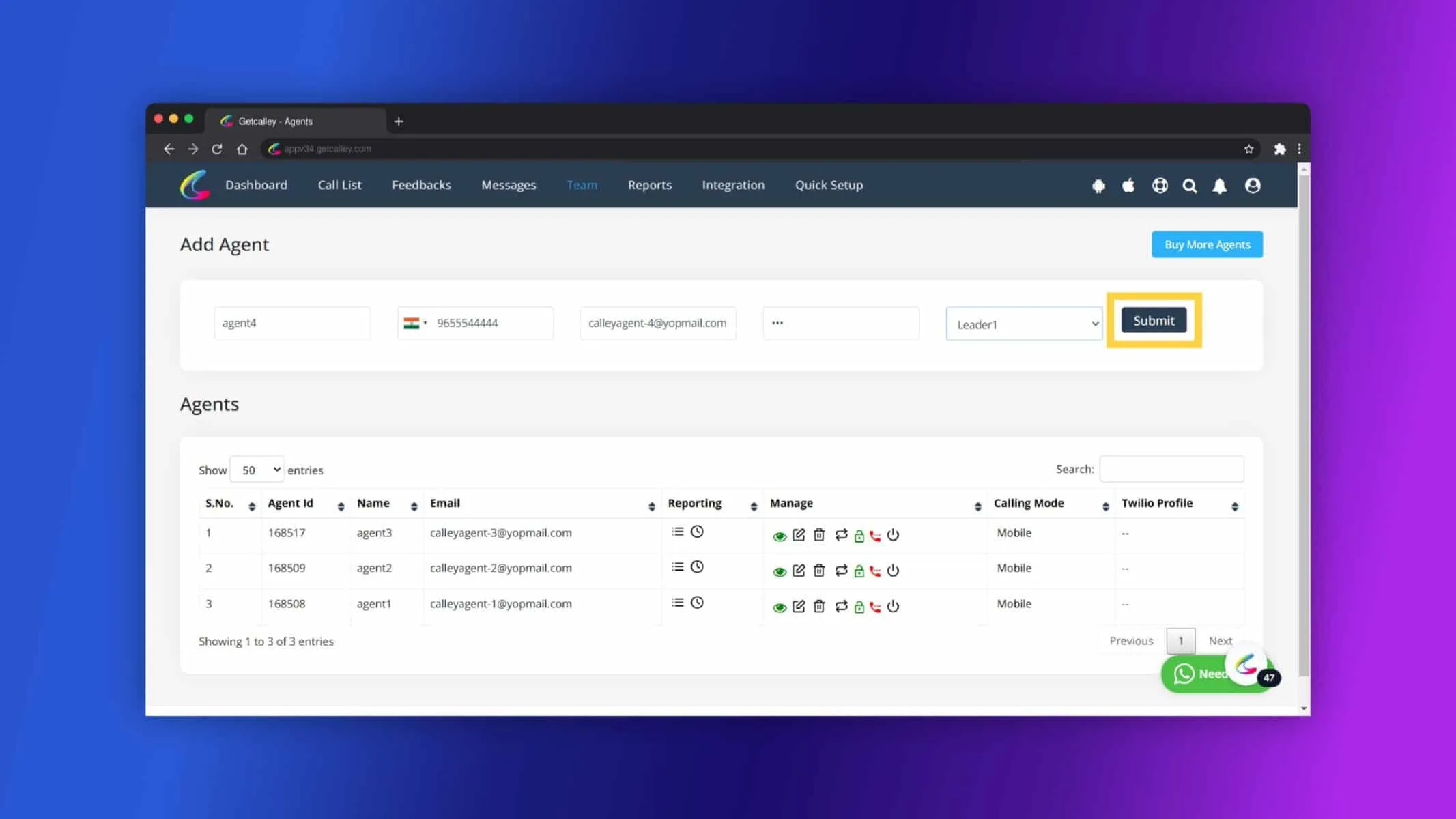
As Team Leader Account is created, Lets create a Team Agents who is responsible to make call. Go to Team and click on Agents.
Enter the agent’s details (name, email, phone number) and assign them to a Team Leader or directly to the Team Admin.
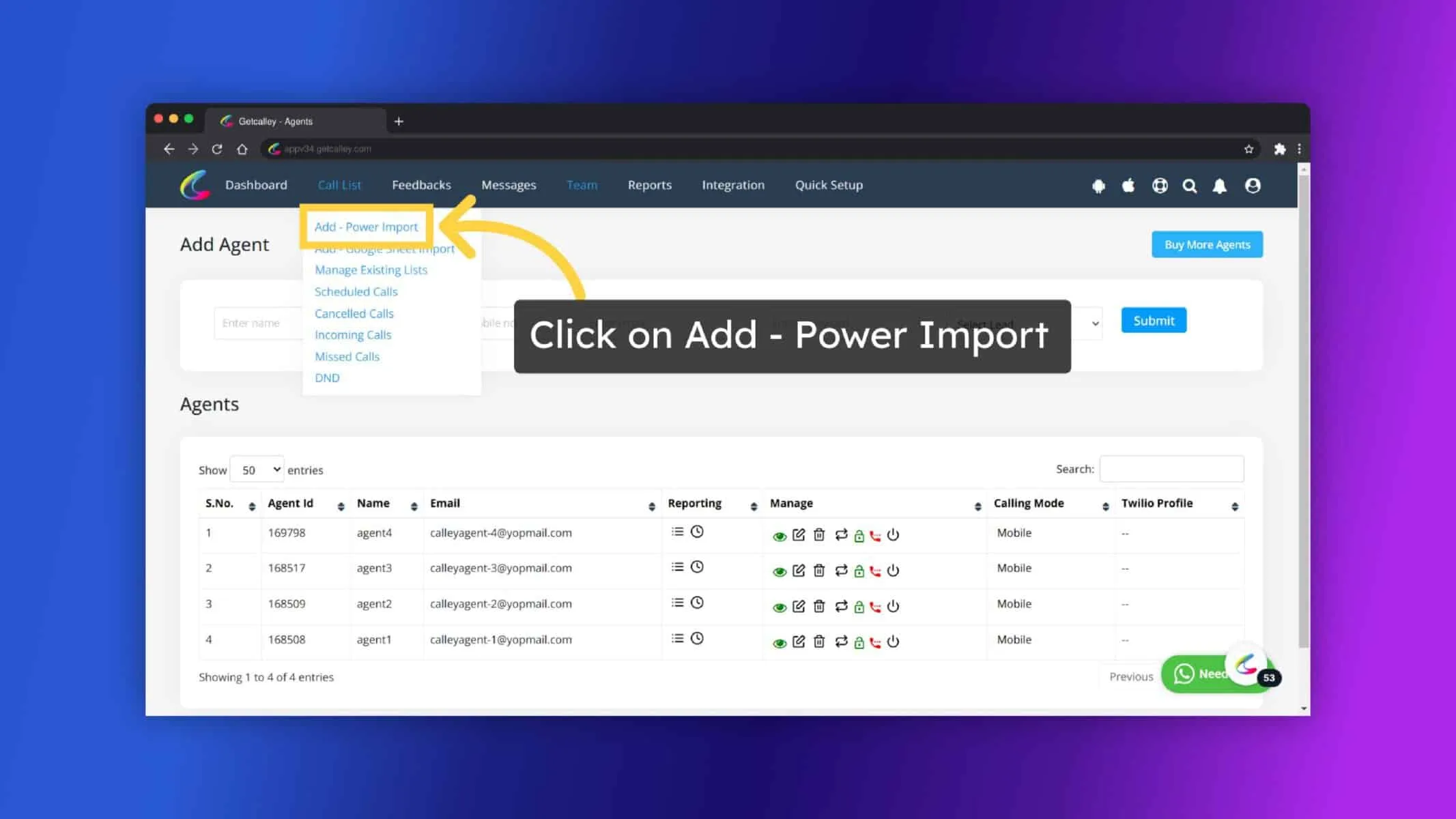
Once Team is ready, Now Upload a Call List and assign to agents. Go to Call List and Click on Power Import.
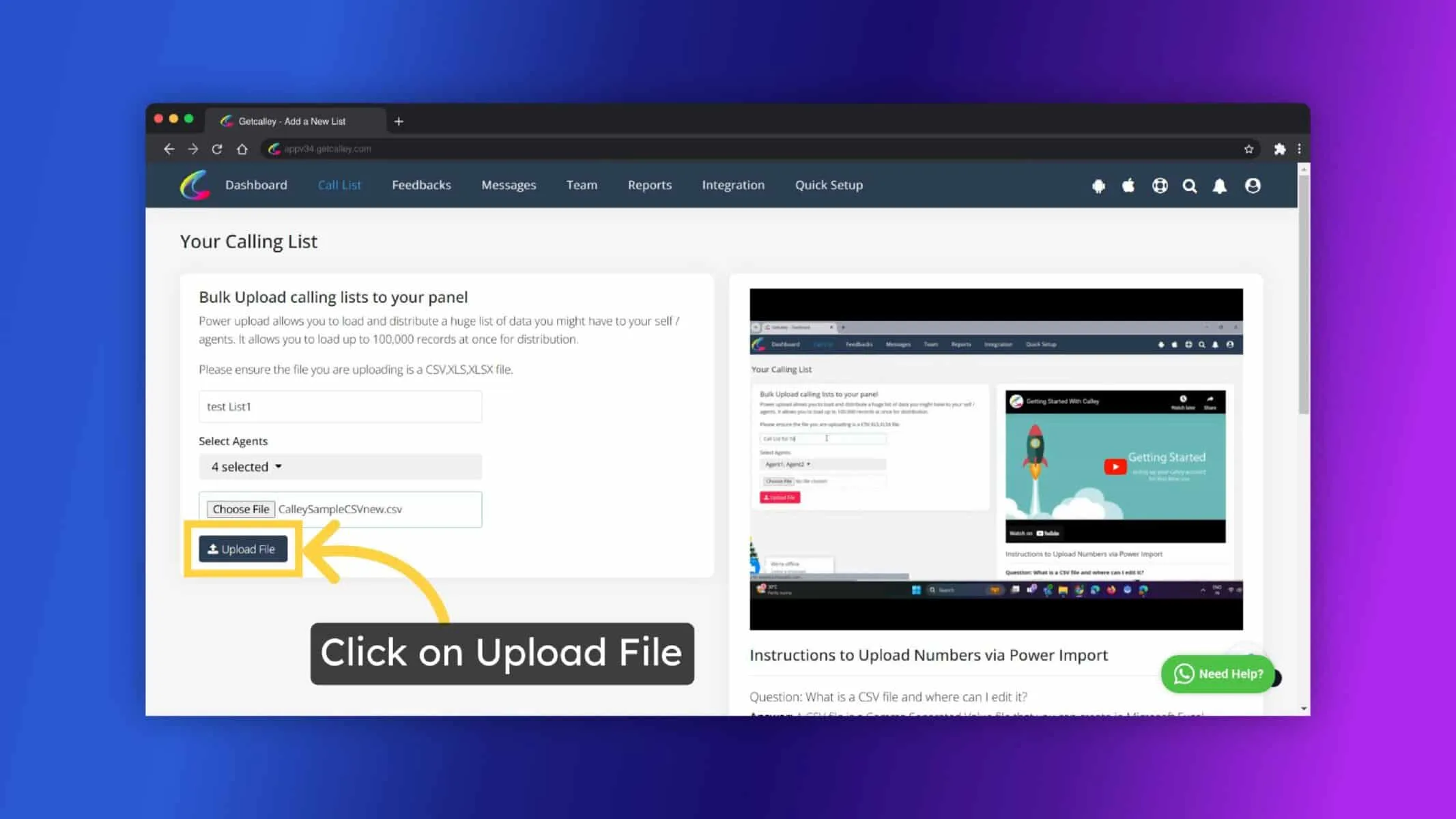
Enter a List Name, Select Agents you want to assign, choose file and click on Upload File button.
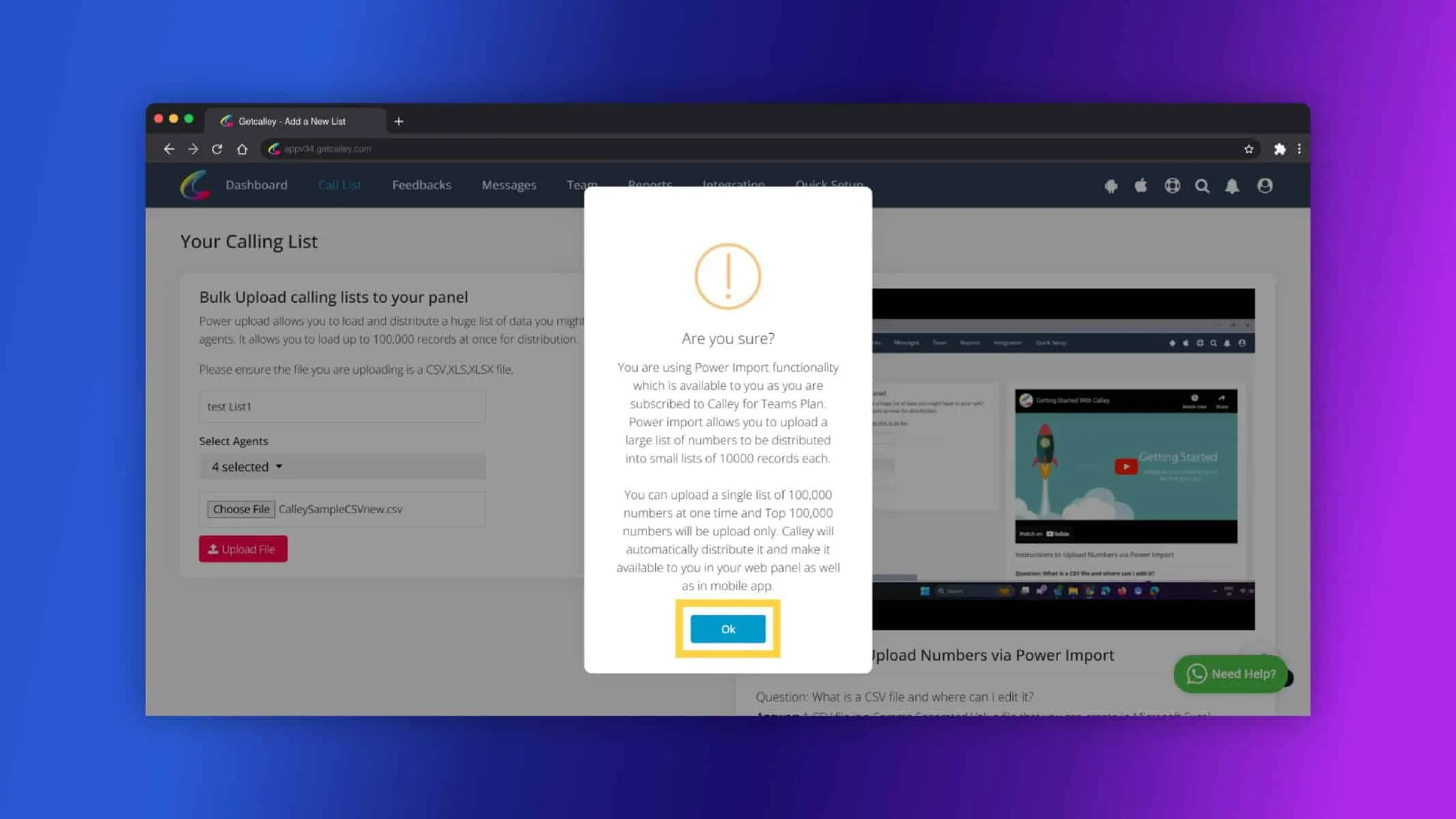
Click on OK.
Map the fields and Click on Import button.
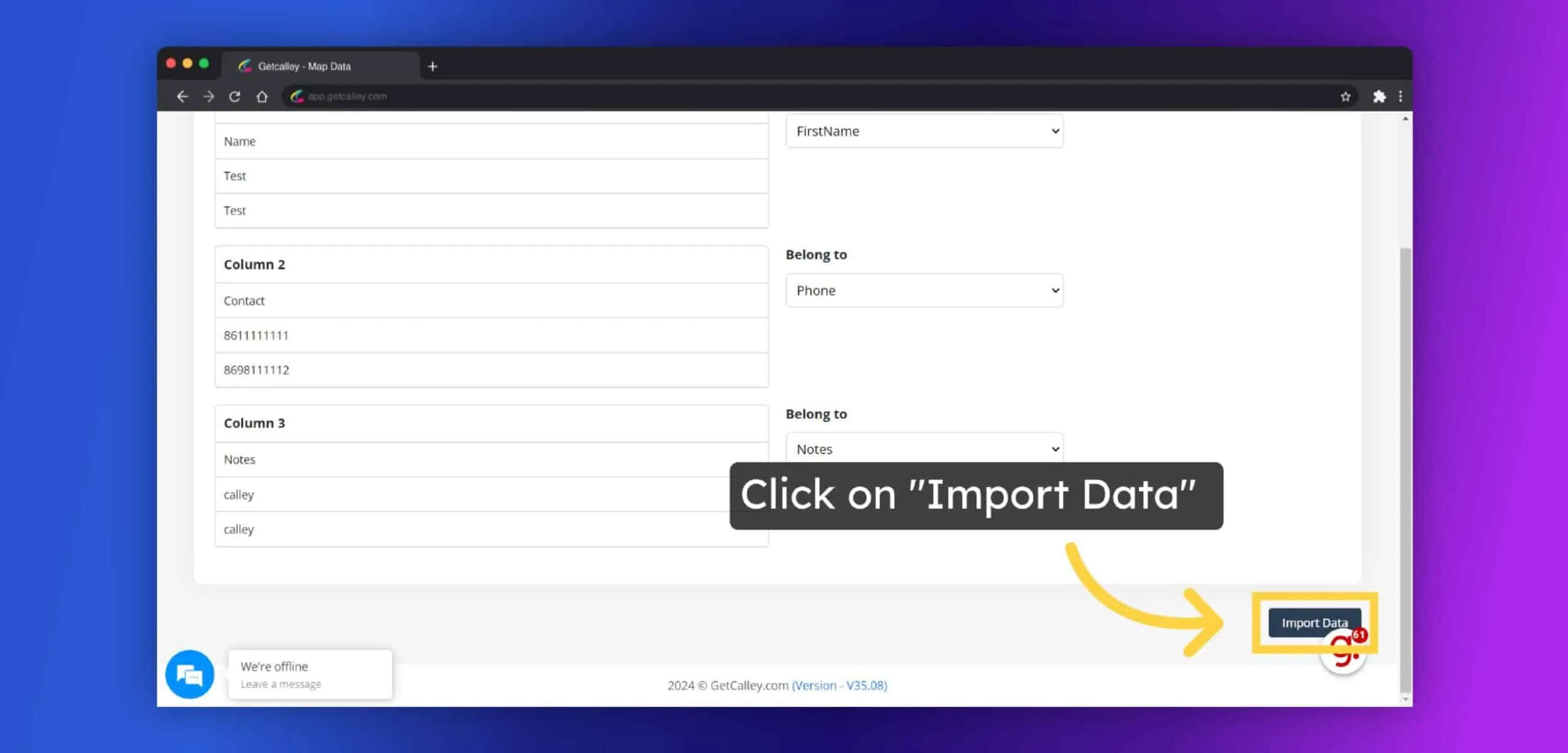
List Uploaded successfully. Now agents can start making calls from there mobile using Calley app and Team Leaders can manage the Reporting of Calls made by agents.
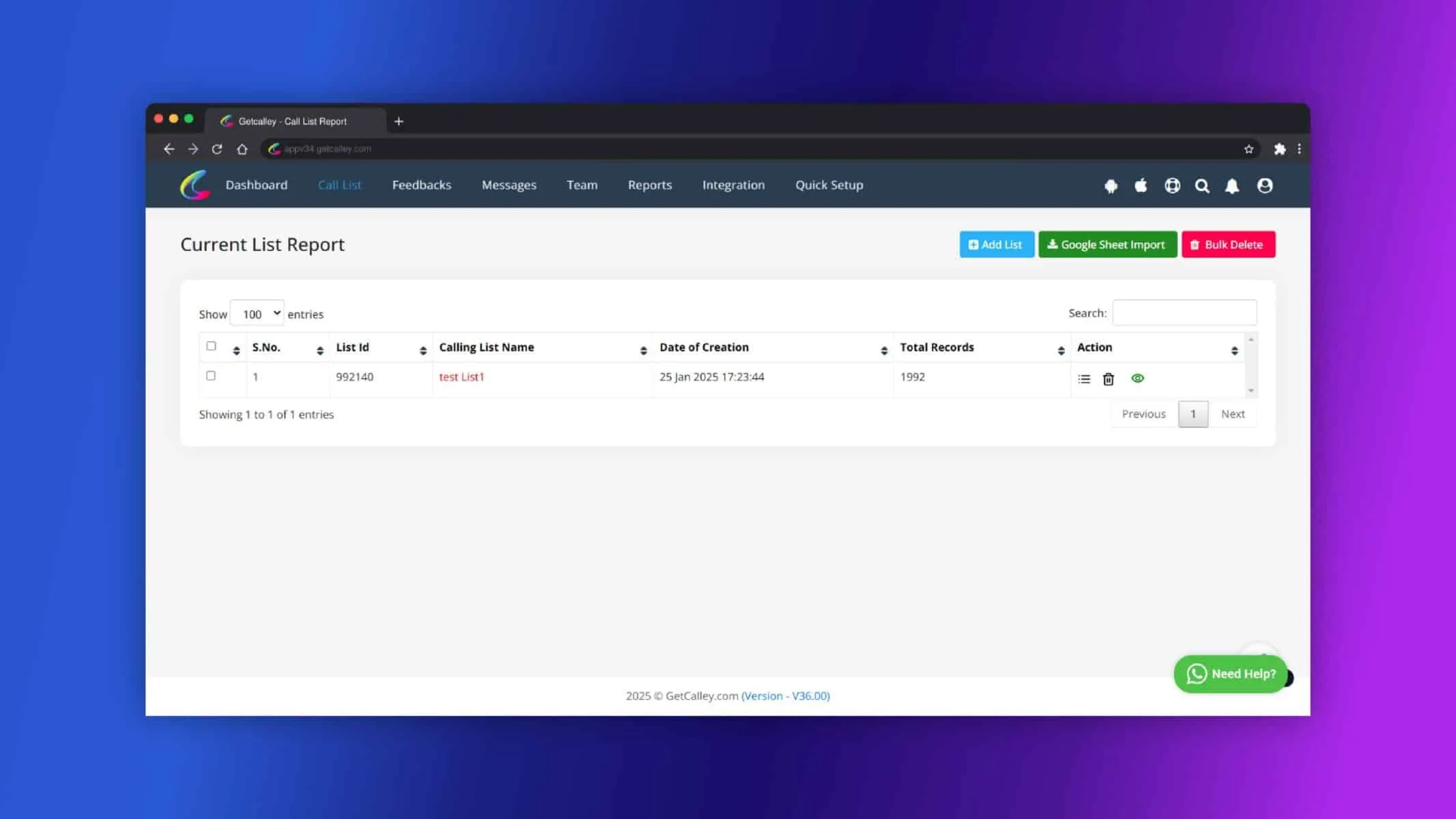
Set up necessary integrations, such as SMTP or SMS APIs.
The Team Admin role in Calley Teams Subscription is essential for creating and managing the team hierarchy. While Team Admins and Team Leaders focus on overseeing operations and reporting, only Team Agents have access to the mobile app and the ability to make calls. This clear division of roles ensures streamlined operations, efficient task management, and optimized team performance.
Checkout here > Pricing Plans for Calley Auto Dialer App
Link to > Full Feature List of Calley AutoDialer
Do you want to Subscribe to a Free Auto Dialer with a limit of 25 calls per day?
We know you will have questions.
We would love to answer all your questions to get you started with Autodialing using The Calley Auto Dialer app.